


XLUNA Web Studio Ultra
Describe it. AI builds it. Publish it. An AI website builder that writes your first draft on your own PC, then lets you edit everything visually and publish to your own host. No account, no cloud AI and no subscription.
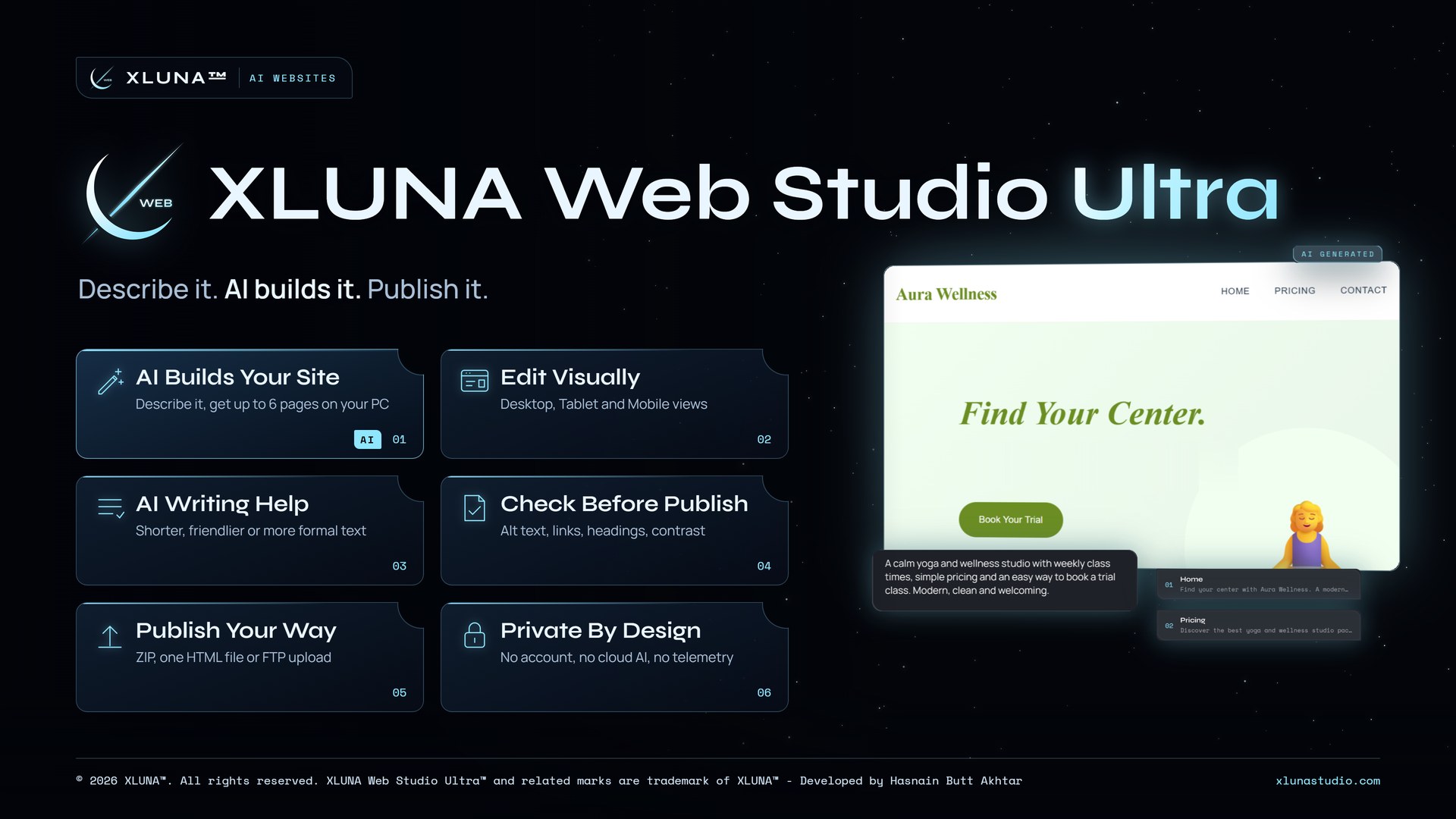
What XLUNA Web Studio Ultra does for you
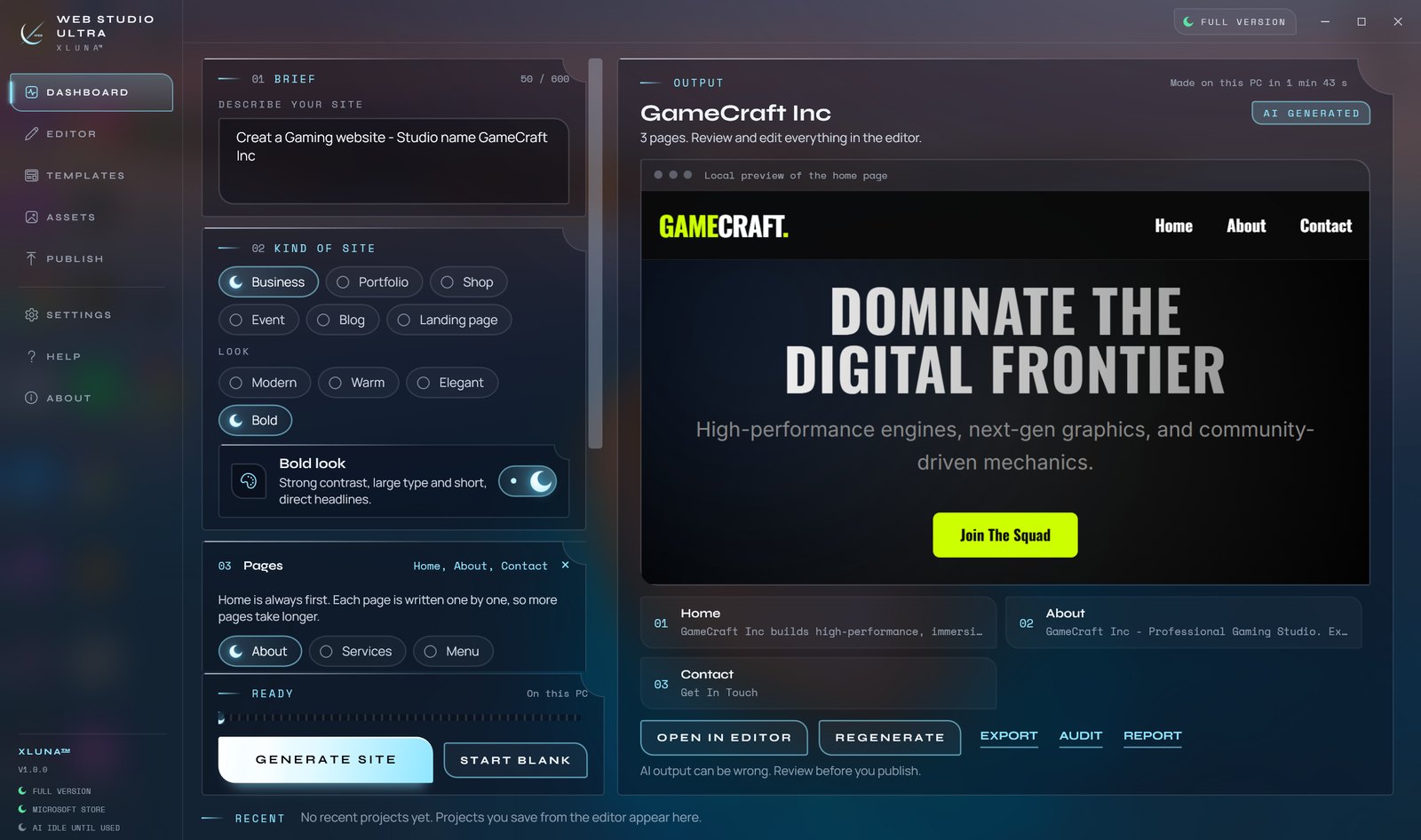
Type a few lines about your business, portfolio, shop, event or blog, pick a look and up to six pages, and XLUNA Web AI writes each page on your PC. Regenerate for a different take, or stop at any time.
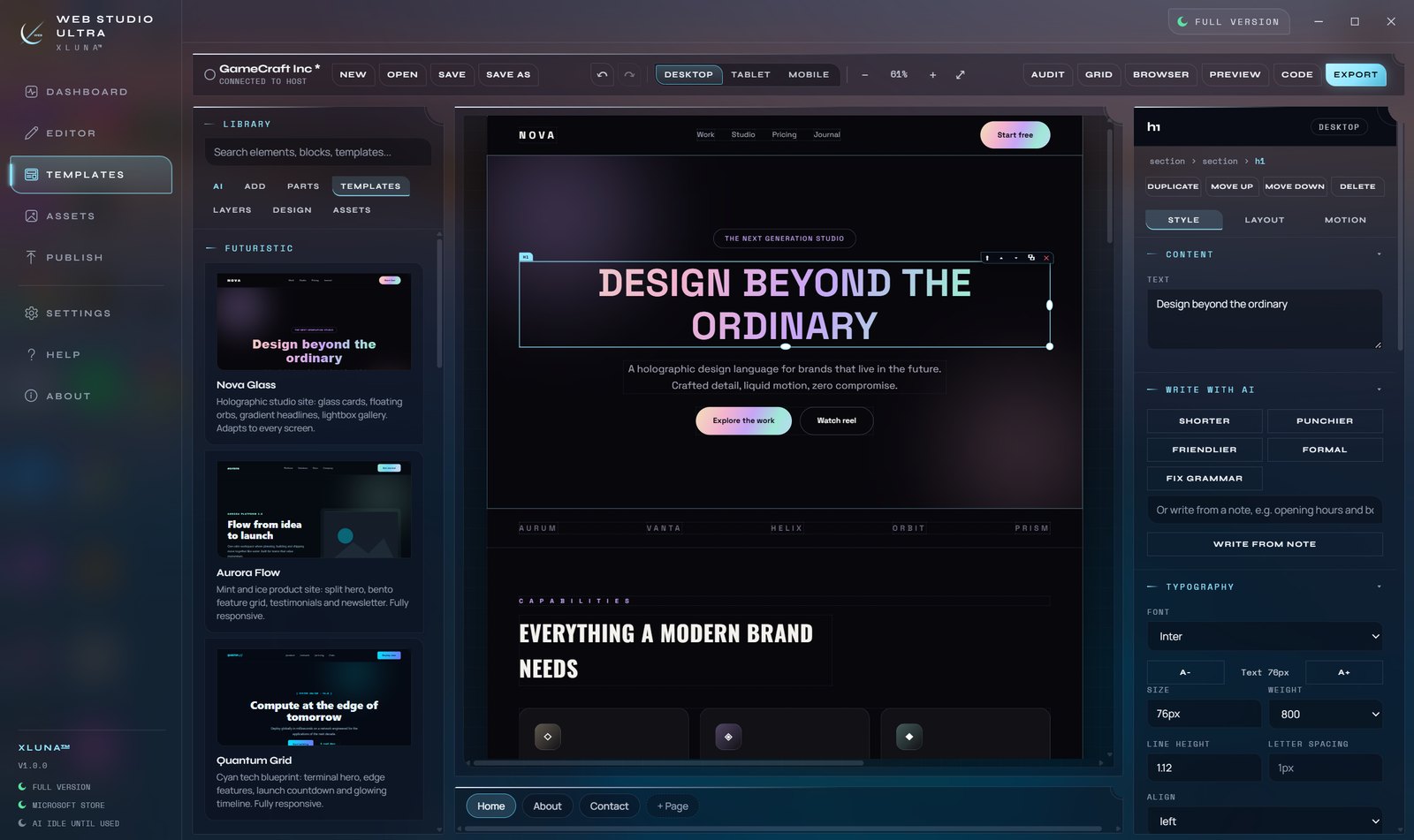
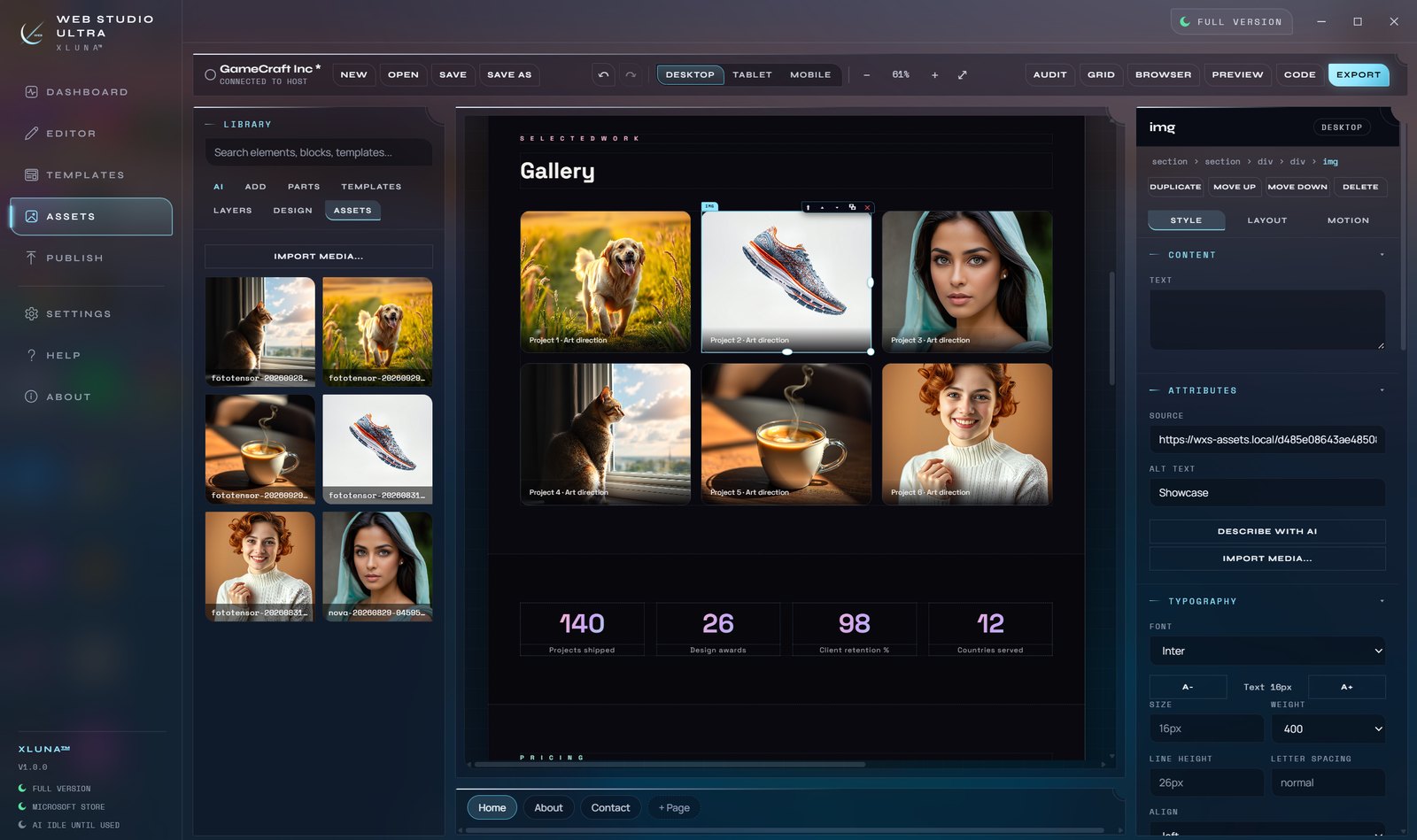
Then change anything in the visual editor: drag in headings, images, buttons, forms and ready-made parts, change text, colours and fonts, and check Desktop, Tablet and Mobile views. Start from one of 24 templates if you prefer, or ask the assistant to make any text shorter, friendlier or more formal.
Before you publish, the SEO audit finds missing alt text, empty links, heading problems and missing search details. Export a ZIP or a single HTML file, or publish by FTP with encryption on by default, and open the code whenever you want to change the HTML and CSS yourself.
What you get
- Up to six pages written on your PC by XLUNA Web AI
- Business, Portfolio, Shop, Event, Blog or Landing page in four looks
- Visual editor with Desktop, Tablet and Mobile views, undo and redo
- 24 page templates and 33 ready-made parts
- SEO audit for alt text, links, headings, contrast and search details
- Export as ZIP or HTML, or publish by encrypted FTP to your own host
What makes XLUNA Web Studio Ultra premium
A first draft from a few lines
Describe your business, portfolio, shop, event or blog and get up to six written pages on your PC.
Edit by dragging
Drag in headings, images, buttons, forms and ready-made parts, then check Desktop, Tablet and Mobile views.
Checked before it goes out
The SEO audit finds missing alt text, empty links, heading problems, low contrast and missing page titles.
Your host, your files
Export a ZIP or a single HTML file, or publish by FTP with encryption on by default.
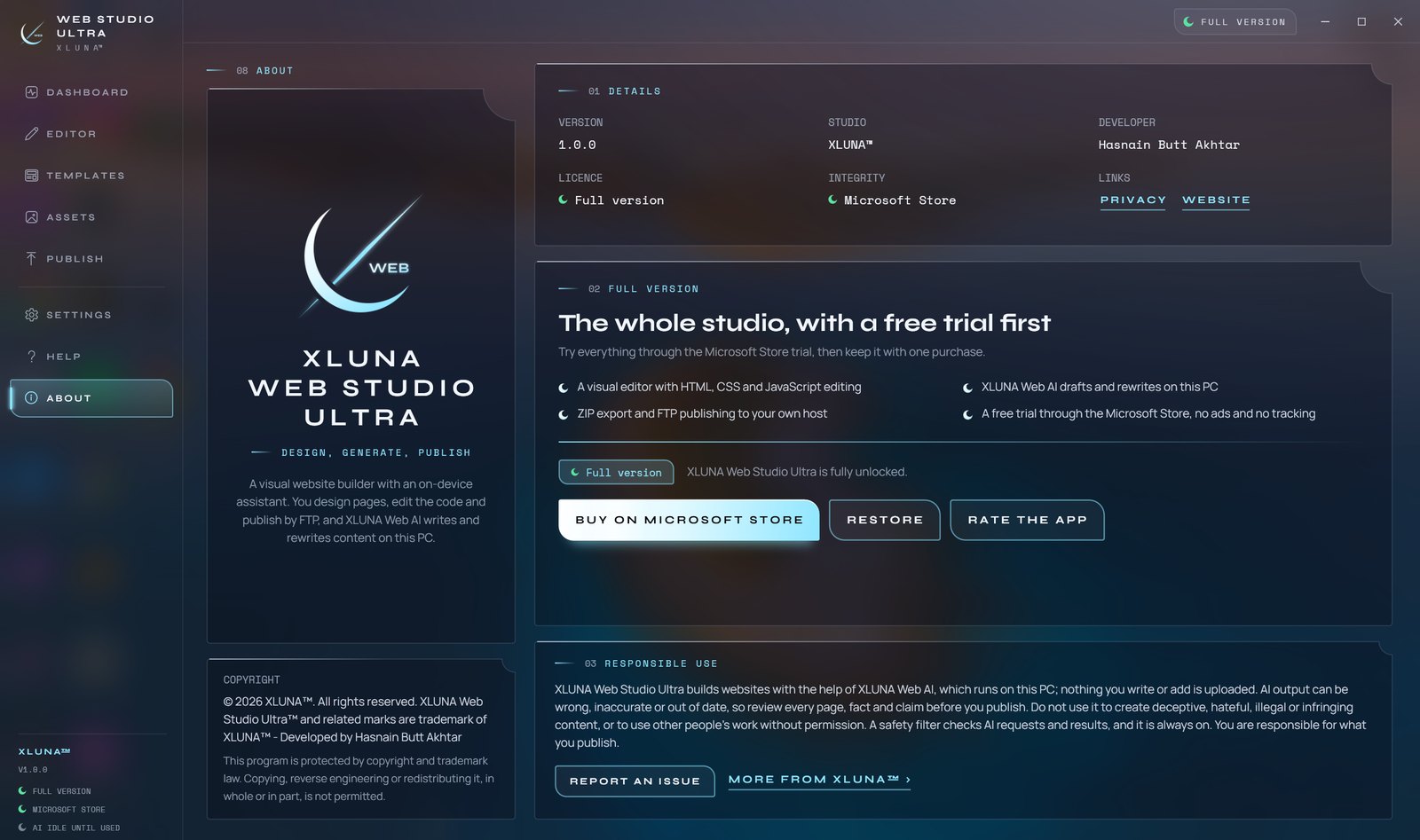
See it on a real desktop
Before you install
- Platforms
- Windows 10 (version 2004 or later) and Windows 11, x64
- Pricing
- Single purchase, lifetime licence · the Store shows your local price
- Trial
- 24 hours with every feature
- Updates
- Included
- Account
- Not required
- Processor
- Any x64 processor, multi-core recommended
- Memory
- 6 GB minimum for the AI, 8 GB or more recommended
- Graphics card
- Not required; a dedicated card is used when found
- Storage
- 6 GB free while installing
- Internet
- Only for publishing by FTP
- Get it from
- Microsoft Store
- Developer
- XLUNA™
Your data stays on your PC
Read the full XLUNA Web Studio Ultra privacy policy, or the studio's privacy-first promise.
XLUNA Web Studio Ultra against the usual way
| Compared | XLUNA Web Studio Ultra | A typical subscription app |
|---|---|---|
| How you pay | Once, and it is yours | A monthly or yearly fee |
| Account | None | Usually required |
| Your data | Stays on your PC | Often sent to company servers |
| Adverts and tracking | None | Common |
| Works offline | Yes, except publishing by FTP | Often not |
| Try before you buy | 24 hours, every feature | Often a limited free tier |
Questions before you buy
Does XLUNA Web Studio Ultra send my prompts to the cloud?
No. XLUNA Web AI is included in the download and runs on your PC. Your projects, prompts and results never leave it.
Where can I publish my site?
To any host you choose. Export a ZIP or a single HTML file, or publish by FTP with encryption on by default. Your host details are asked for each time and never saved.
Can I edit the code?
Yes. The Code panel shows the HTML, CSS and JavaScript of your page, and you can change it directly.
Is the AI text ready to publish as it is?
Read every page first. Everything the AI writes is labelled AI generated, and it can be wrong or out of date.
Do I need an account?
No. There is nothing to sign up for or sign in to. You install it from the Microsoft Store and it works.
What happens when the 24-hour trial ends?
The app asks you to buy it on the Microsoft Store to keep using it. Nothing is charged automatically, and your settings stay on your PC.
Try XLUNA Web Studio Ultra free for 24 hours
Every feature switched on, on your own PC. If it earns its place, one payment keeps it for good, with updates included.