

XLUNA Motion Ultra
Keyframe anything. Make it move. A motion-first video editor: keyframes on almost any value, speed ramps you draw, tracked titles, colour grading and captions made on your own PC. No account and no cloud.
What XLUNA Motion Ultra does for you
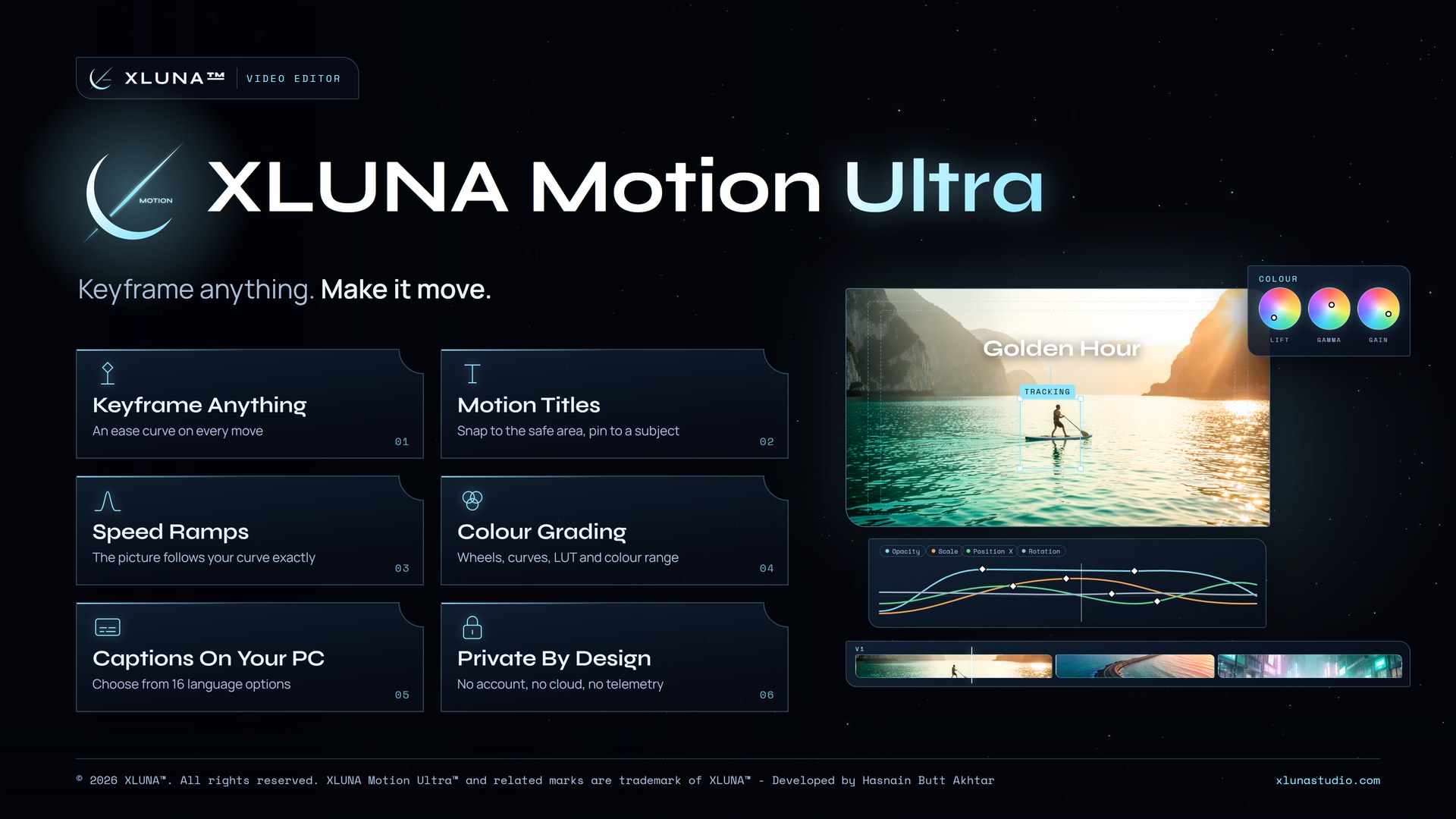
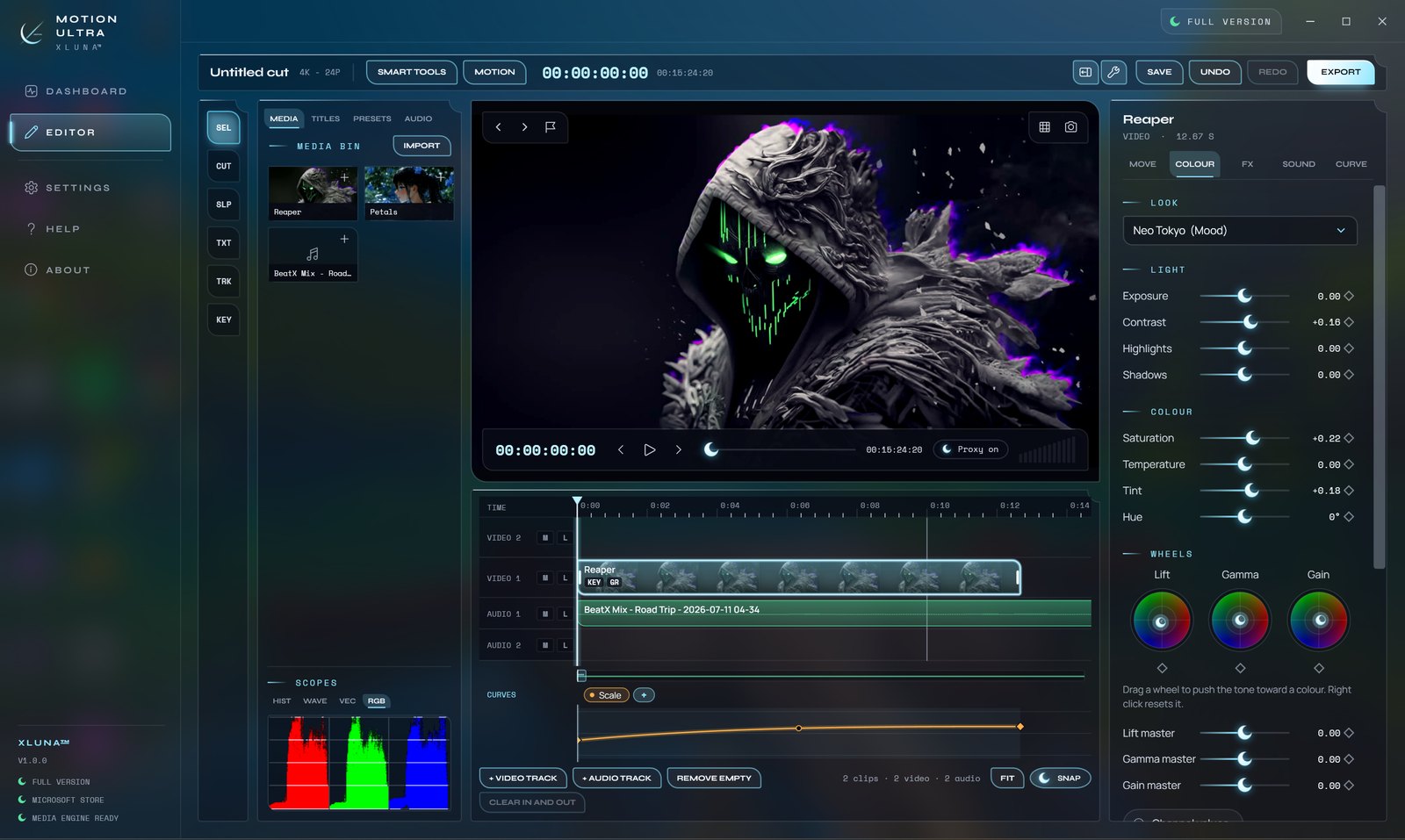
XLUNA Motion Ultra puts motion first. Keyframe position, scale, rotation, opacity, effects, colour, volume and titles, give every segment its own ease curve, or start from one of nine motion presets and fine tune it.
Draw a box around a subject and pin an animated title to it, and it follows the action on its own. Shape a speed ramp as a curve and the picture follows it exactly. Grade with lift, gamma and gain wheels, a luma curve and your own LUTs, checked on four scopes.
Make auto captions from the spoken audio in 16 language options, all on your PC. Edit 4K smoothly with proxy media, then export in one step for YouTube, TikTok, Reels, Instagram or 4K with a file size estimate first.
What you get
- Keyframes on almost any value, each with its own ease curve
- Nine motion presets to start from
- Titles pinned to a tracked subject, snapped to the safe area
- Speed ramps drawn as a curve
- Wheels, a luma curve, LUTs and a qualifier, checked on four scopes
- Captions made on your PC in 16 language options
What makes XLUNA Motion Ultra premium
Keyframe almost anything
Position, scale, rotation, opacity, effects, colour, volume and titles, each move with its own ease curve.
Titles that follow the action
Draw a box around a subject and an animated title stays pinned to it as it moves.
Speed ramps you draw
Shape a ramp as a curve and the picture follows it exactly, from a slow build to a sudden rush.
Captions made privately
Auto captions come from the spoken audio on your PC, without sending a second of footage anywhere.
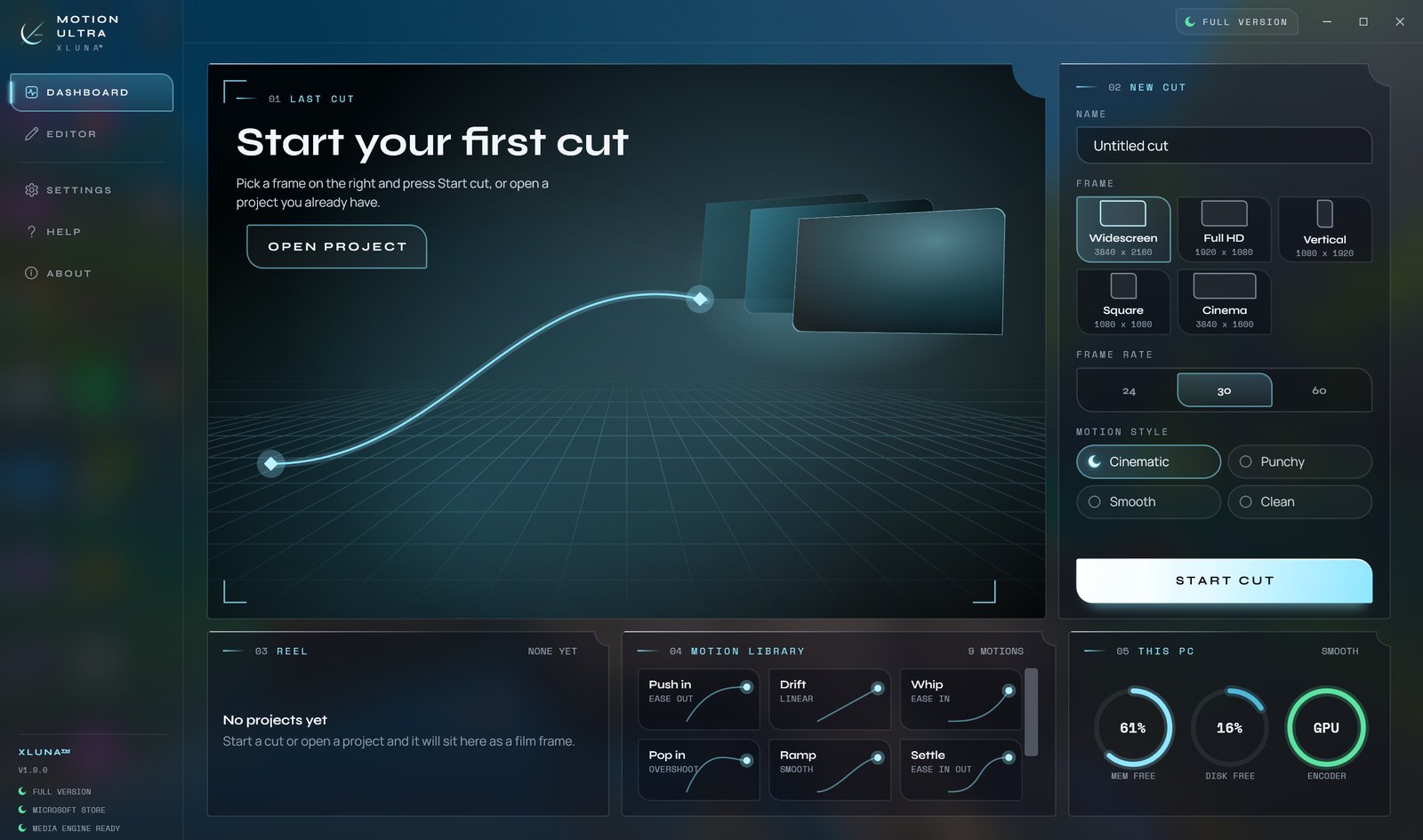
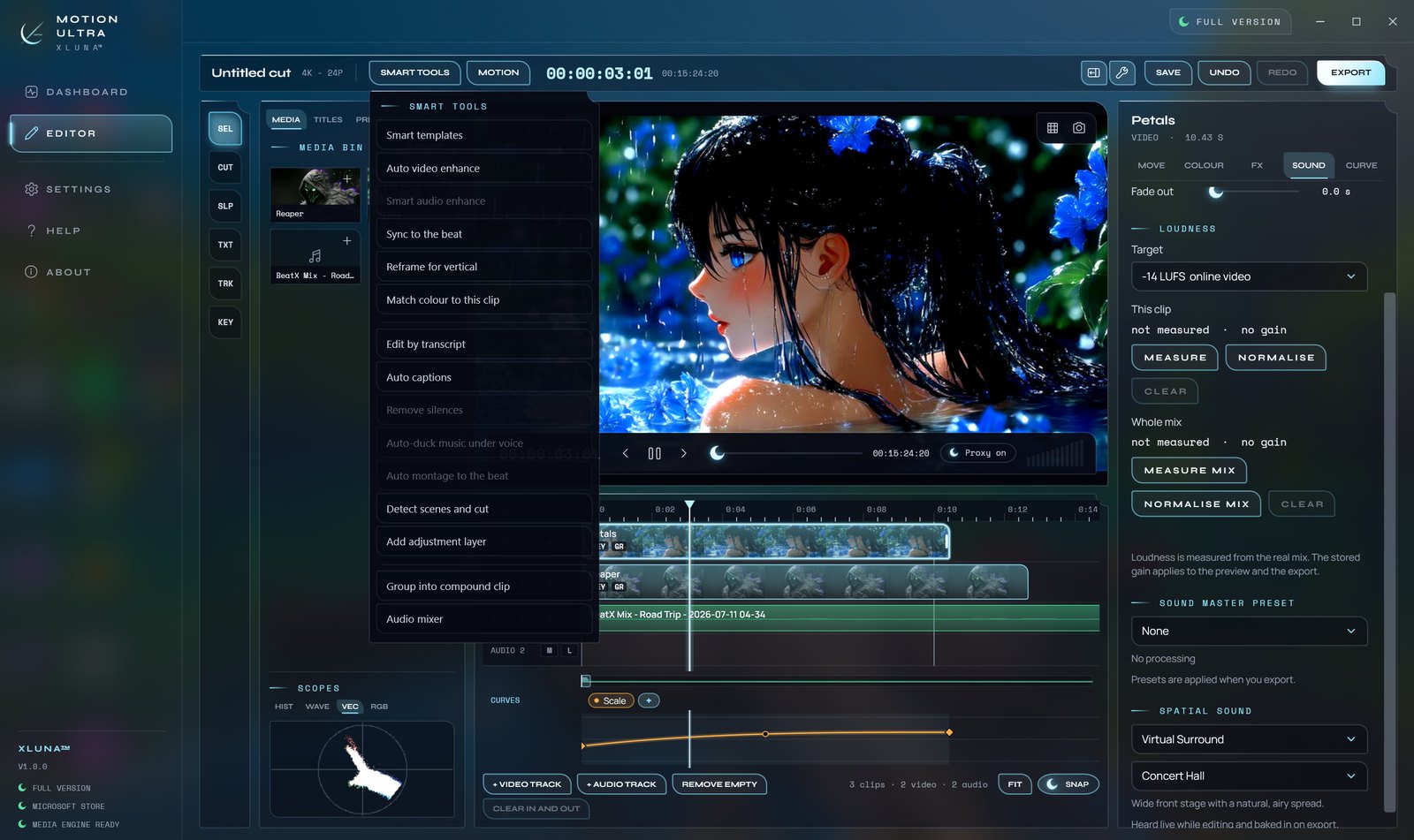
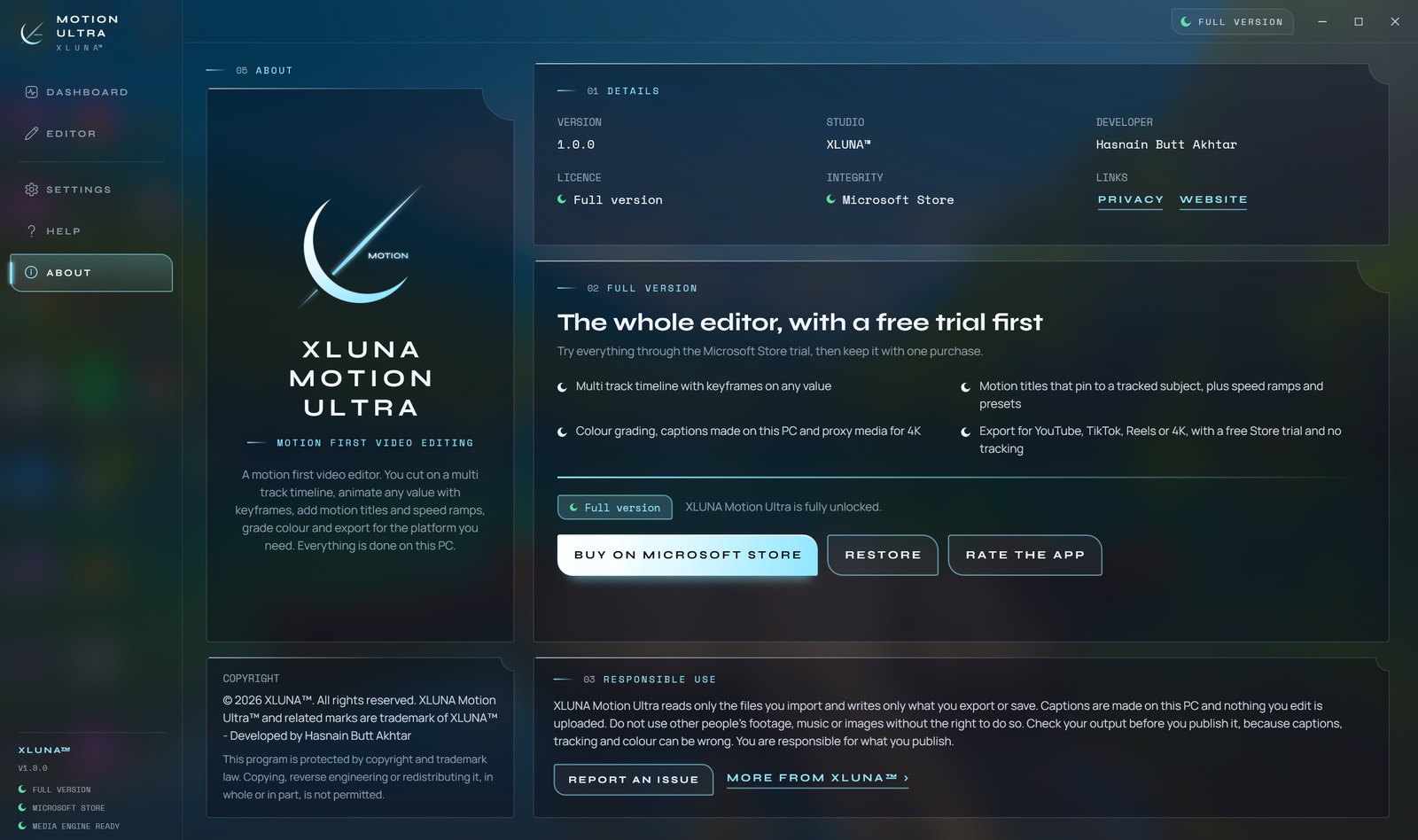
See it on a real desktop
Before you install
- Platforms
- Windows 10 (version 2004 or later) and Windows 11, x64
- Pricing
- Single purchase, lifetime licence · the Store shows your local price
- Trial
- 24 hours with every feature
- Updates
- Included
- Account
- Not required
- Processor
- 4 cores minimum, 6 or more recommended
- Memory
- 8 GB minimum, 16 GB recommended
- Graphics card
- Not required; a hardware video encoder speeds up export
- Storage
- 3 GB free, 20 GB or more on an SSD for proxies and exports
- Internet
- Not needed to edit or export
- Get it from
- Microsoft Store
- Developer
- XLUNA™
Your data stays on your PC
Read the full XLUNA Motion Ultra privacy policy, or the studio's privacy-first promise.
XLUNA Motion Ultra against the usual way
| Compared | XLUNA Motion Ultra | A typical subscription app |
|---|---|---|
| How you pay | Once, and it is yours | A monthly or yearly fee |
| Account | None | Usually required |
| Your data | Stays on your PC | Often sent to company servers |
| Adverts and tracking | None | Common |
| Works offline | Yes, fully | Often not |
| Try before you buy | 24 hours, every feature | Often a limited free tier |
Questions before you buy
Does XLUNA Motion Ultra upload my footage?
No. Your footage, projects and captions stay on your PC. Captions are made from the audio on your own machine, and nothing you edit is uploaded.
Can it edit 4K?
Yes. Proxy media keeps 4K editing smooth, and the export always renders from your original files.
Are the captions accurate?
They are a strong start. Speech recognition can mishear names and noisy audio, so check them before you export.
Is there a subscription?
No. Try it free with the Microsoft Store trial, then buy it once.
Do I need an account?
No. There is nothing to sign up for or sign in to. You install it from the Microsoft Store and it works.
What happens when the 24-hour trial ends?
The app asks you to buy it on the Microsoft Store to keep using it. Nothing is charged automatically, and your settings stay on your PC.
Try XLUNA Motion Ultra free for 24 hours
Every feature switched on, on your own PC. If it earns its place, one payment keeps it for good, with updates included.