


XLUNA Photo Ultra
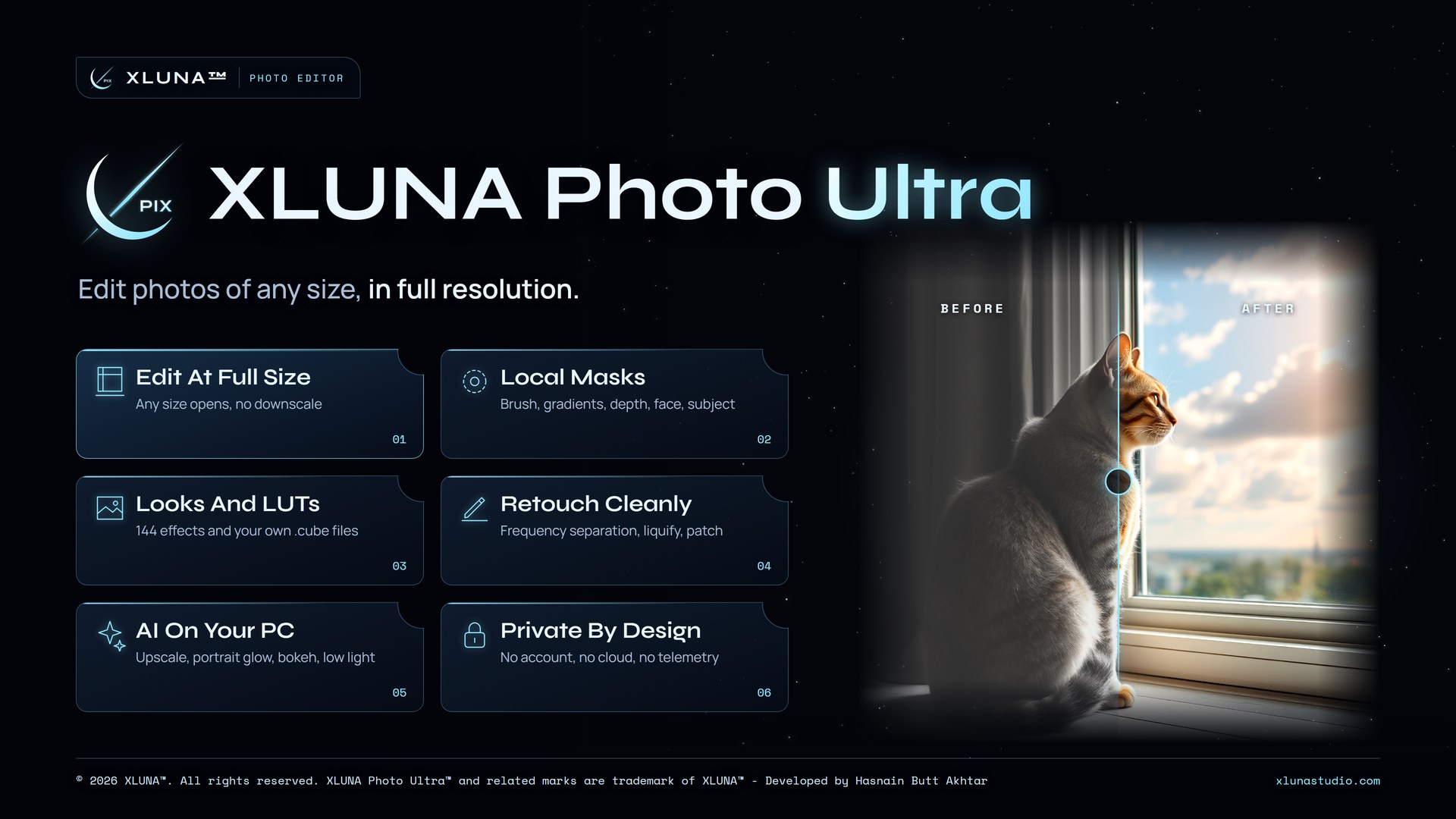
Edit photos of any size, in full resolution. A studio photo editor that never shrinks your photo: masks, retouching, HDR merge, AI tools and batch export, all at full resolution on your own PC. No subscription and no cloud.
What XLUNA Photo Ultra does for you
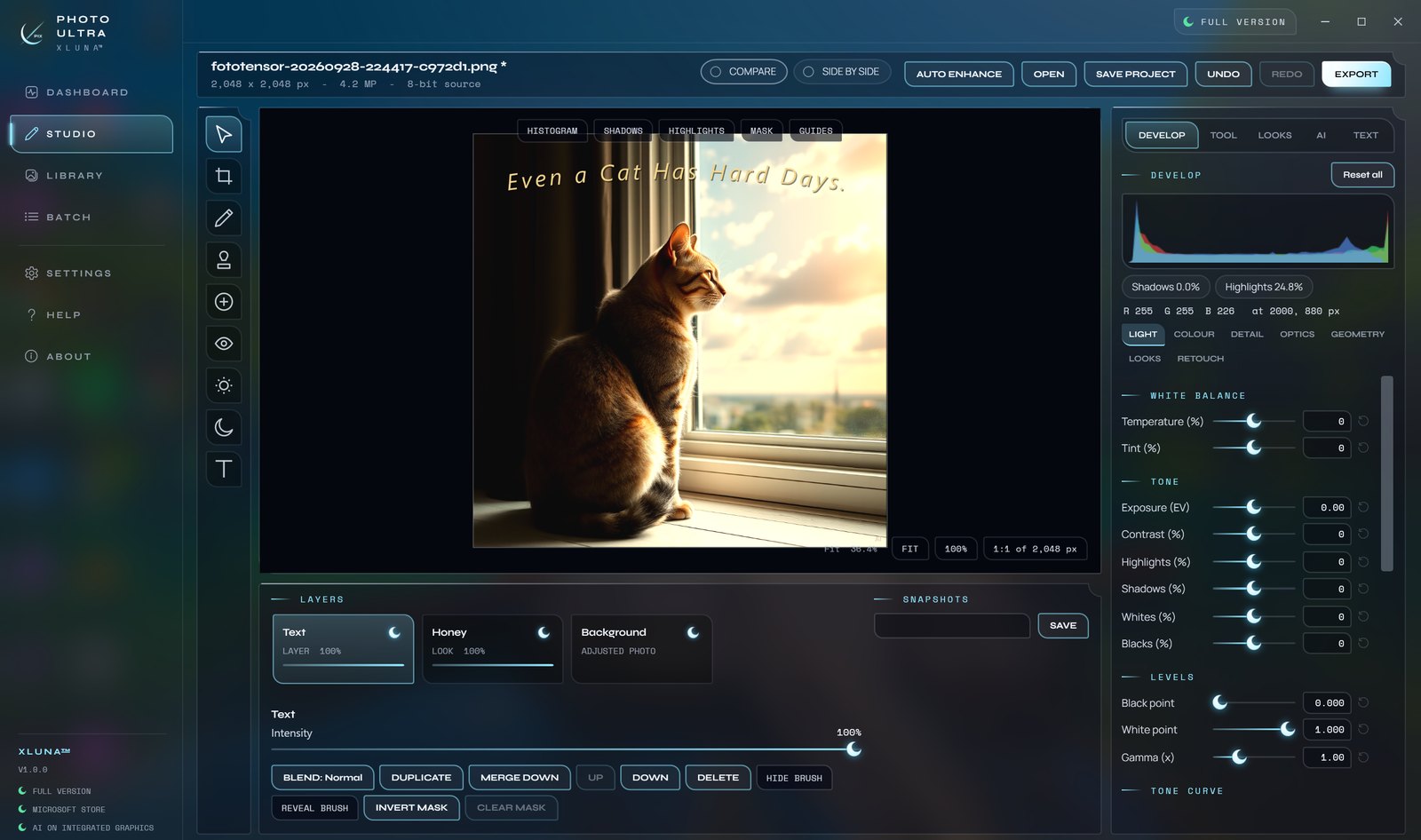
XLUNA Photo Ultra opens every photo at full size, camera RAW included, so each mask, grade and retouch works on every pixel. Unlimited undo and named snapshots let you try a bold edit and come back to any version.
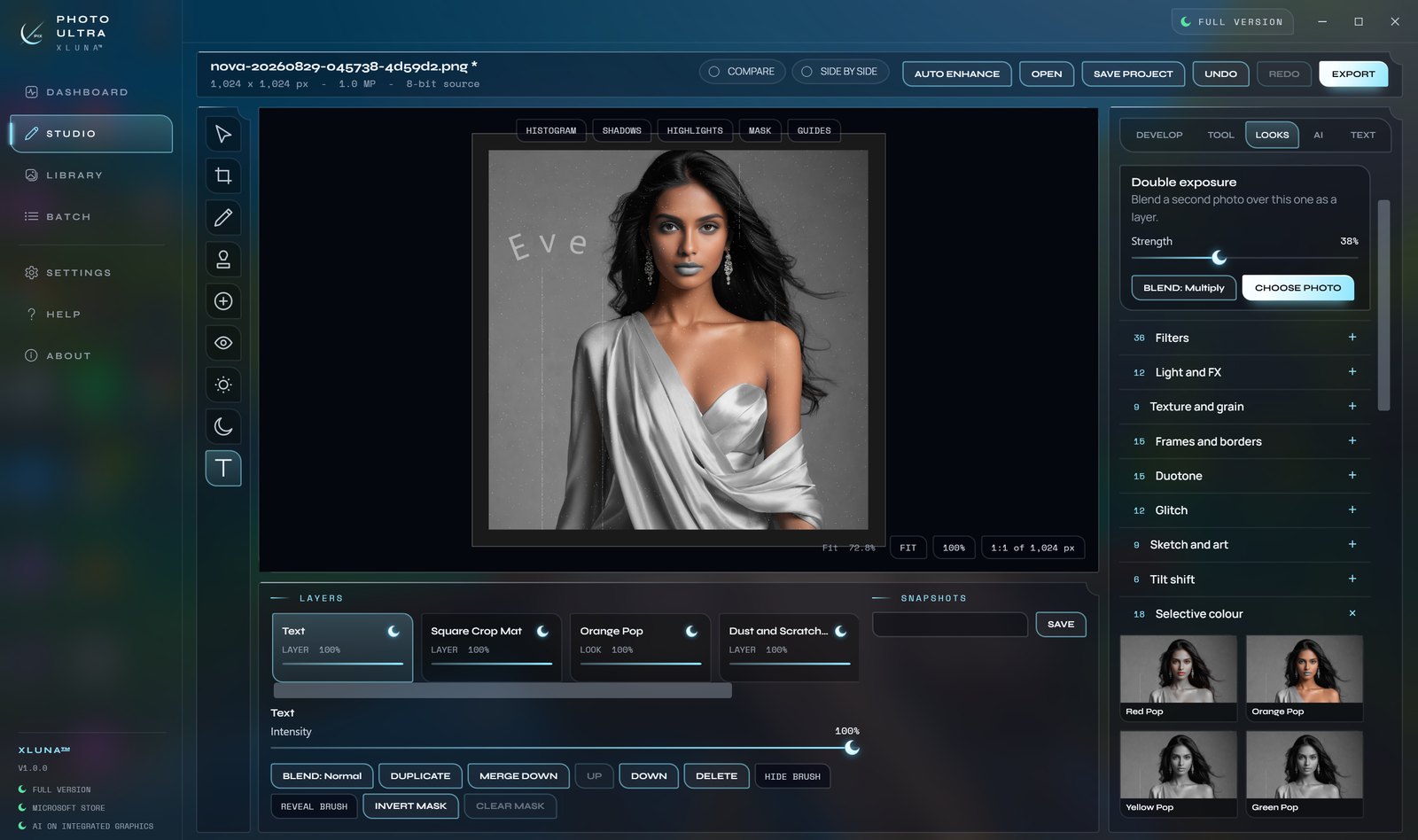
Brighten a face or darken a sky without touching the rest, with brush, gradient, colour range, luminosity, depth, face and subject masks. Pick from 144 effects or your own .cube LUTs, retouch skin with frequency separation, liquify and spot heal, and merge brackets or focus slices.
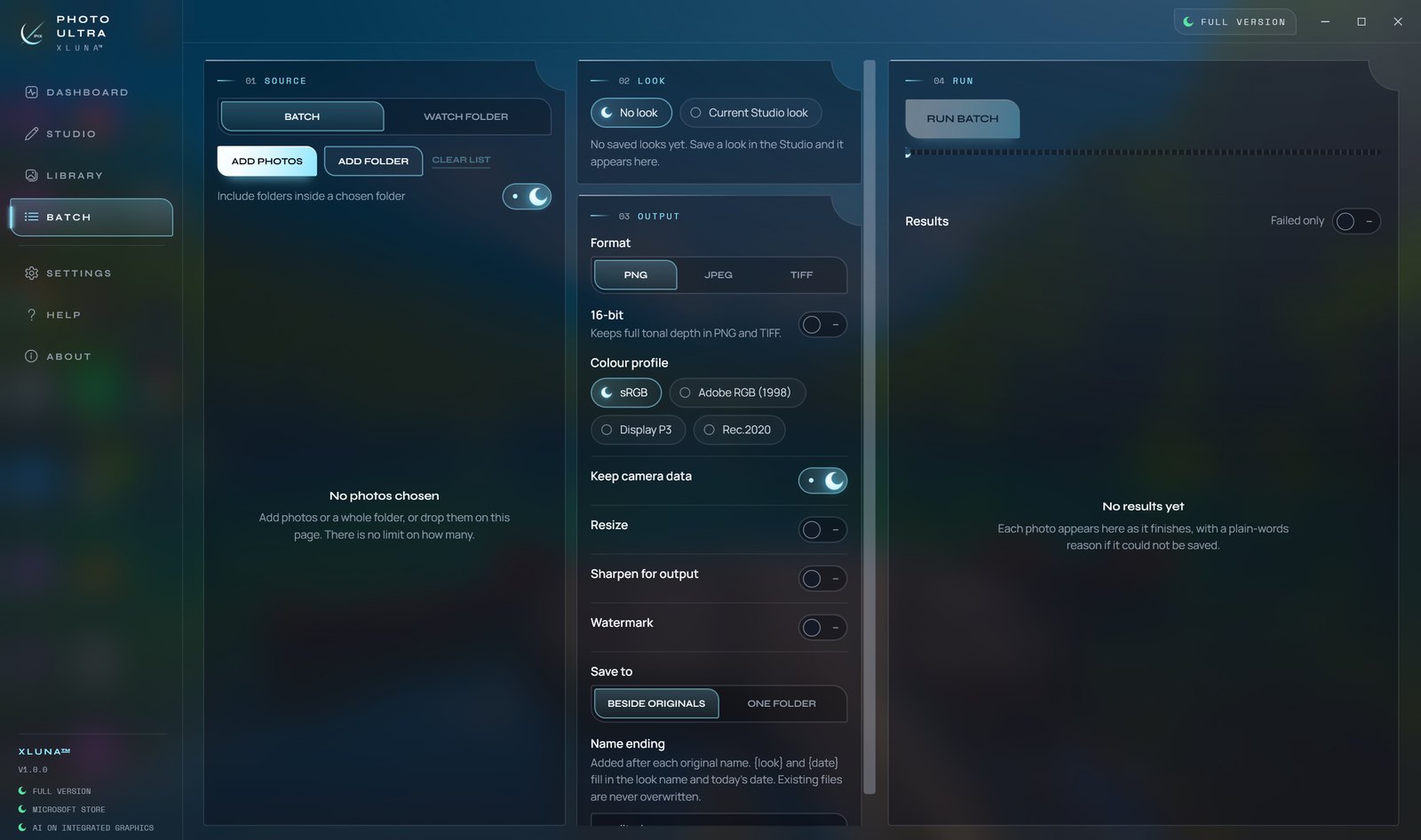
Then finish the shoot. Enlarge small photos with AI upscale, export true colour as 16-bit TIFF or PNG, and run the batch editor across every processor core or let a watch folder process new photos as they arrive.
What you get
- Any photo opens at full resolution, with unlimited undo and named snapshots
- Brush, gradient, colour range, luminosity, depth, face and subject masks
- 144 effects, looks with an intensity slider and your own .cube LUTs
- Frequency separation, liquify, patch and spot heal
- AI upscale, portrait glow, cinematic bokeh and low-light rescue on your PC
- Batch on all cores, a watch folder, wide-gamut and 16-bit export
What makes XLUNA Photo Ultra premium
Every pixel, from the first click
Photos of any size open at full resolution, camera RAW included, with no downscale on open.
Masks that touch only what needs it
Brush, gradients, colour range, luminosity, depth, face and subject masks, each a layer of its own.
True colour out
Export always comes from your original data, in sRGB, Display P3, Adobe RGB or Rec.2020.
AI that stays on your PC
Upscale, portrait glow, bokeh and low-light rescue run on your processor or integrated graphics, not in the cloud.
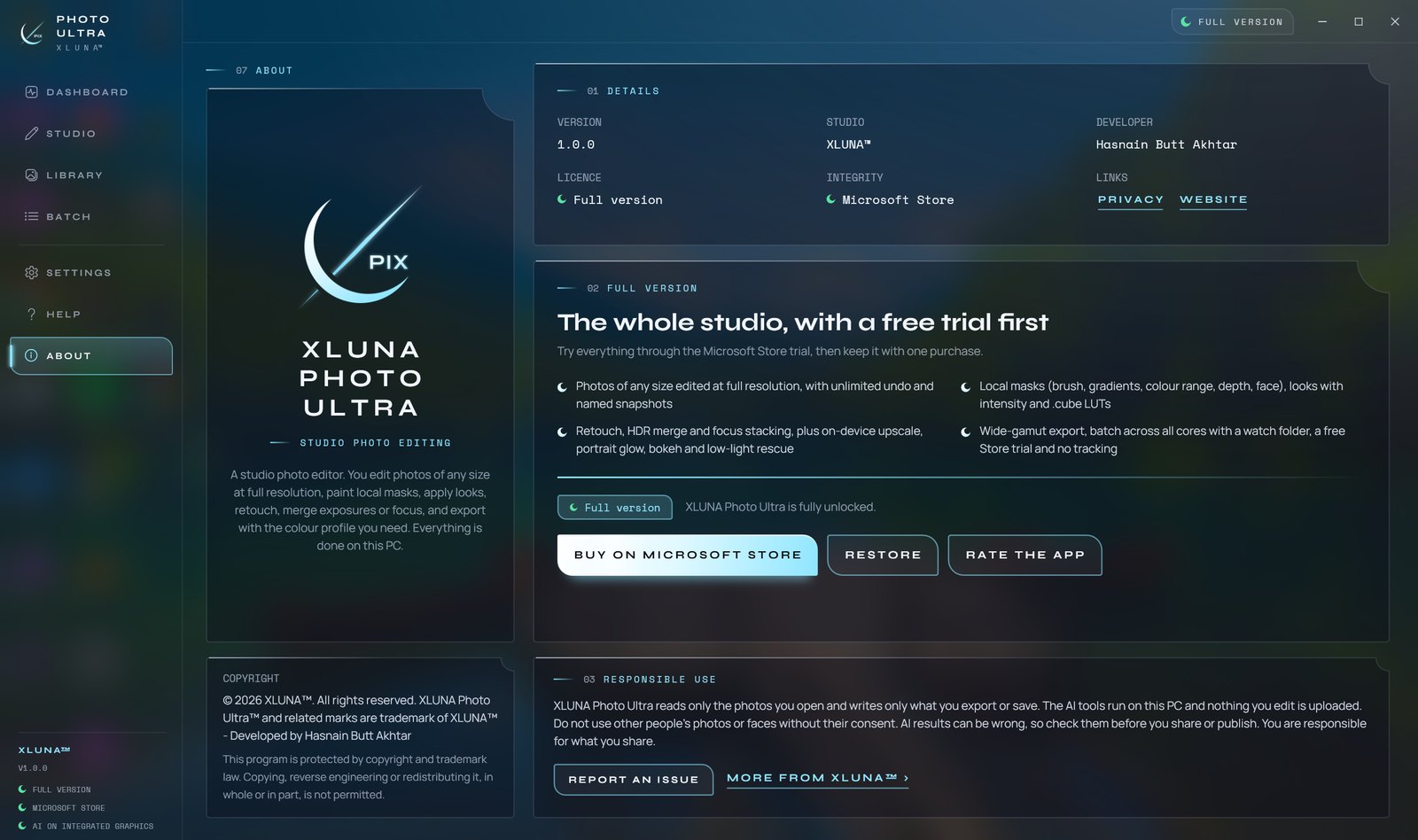
See it on a real desktop
Before you install
- Platforms
- Windows 10 (version 2004 or later) and Windows 11, x64
- Pricing
- Single purchase, lifetime licence · the Store shows your local price
- Trial
- 24 hours with every feature
- Updates
- Included
- Account
- Not required
- Processor
- 4 cores minimum, 6 or more recommended
- Memory
- 8 GB minimum, 16 GB recommended
- Graphics card
- Not required; the AI tools run on the processor
- Storage
- 3 GB free, 20 GB or more on an SSD for very large photos
- Internet
- Not needed to edit or export
- Get it from
- Microsoft Store
- Developer
- XLUNA™
Your data stays on your PC
Read the full XLUNA Photo Ultra privacy policy, or the studio's privacy-first promise.
XLUNA Photo Ultra against the usual way
| Compared | XLUNA Photo Ultra | A typical subscription app |
|---|---|---|
| How you pay | Once, and it is yours | A monthly or yearly fee |
| Account | None | Usually required |
| Your data | Stays on your PC | Often sent to company servers |
| Adverts and tracking | None | Common |
| Works offline | Yes, fully | Often not |
| Try before you buy | 24 hours, every feature | Often a limited free tier |
Questions before you buy
Does XLUNA Photo Ultra upload my photos?
No. Your photos, thumbnails, AI work and edit history stay on your PC. The AI tools run on your own processor or graphics, and nothing is sent anywhere.
Does it change my original photos?
No. Edits are kept separately and export always comes from your original data. The app only changes an original if you rename or delete it yourself in the library.
Does it open camera RAW files?
Yes. Camera RAW files open at full resolution, along with very large photos of any size.
Is there a subscription?
No. Try it free with the Microsoft Store trial, then buy it once.
Do I need an account?
No. There is nothing to sign up for or sign in to. You install it from the Microsoft Store and it works.
What happens when the 24-hour trial ends?
The app asks you to buy it on the Microsoft Store to keep using it. Nothing is charged automatically, and your settings stay on your PC.
Try XLUNA Photo Ultra free for 24 hours
Every feature switched on, on your own PC. If it earns its place, one payment keeps it for good, with updates included.