


XLUNA AI Fusion Ultra
Every AI image tool, one studio. An AI image studio that runs on your own graphics card: keep one face in every picture, edit photos in plain words, then finish posters, clips and prints. No account and no cloud.
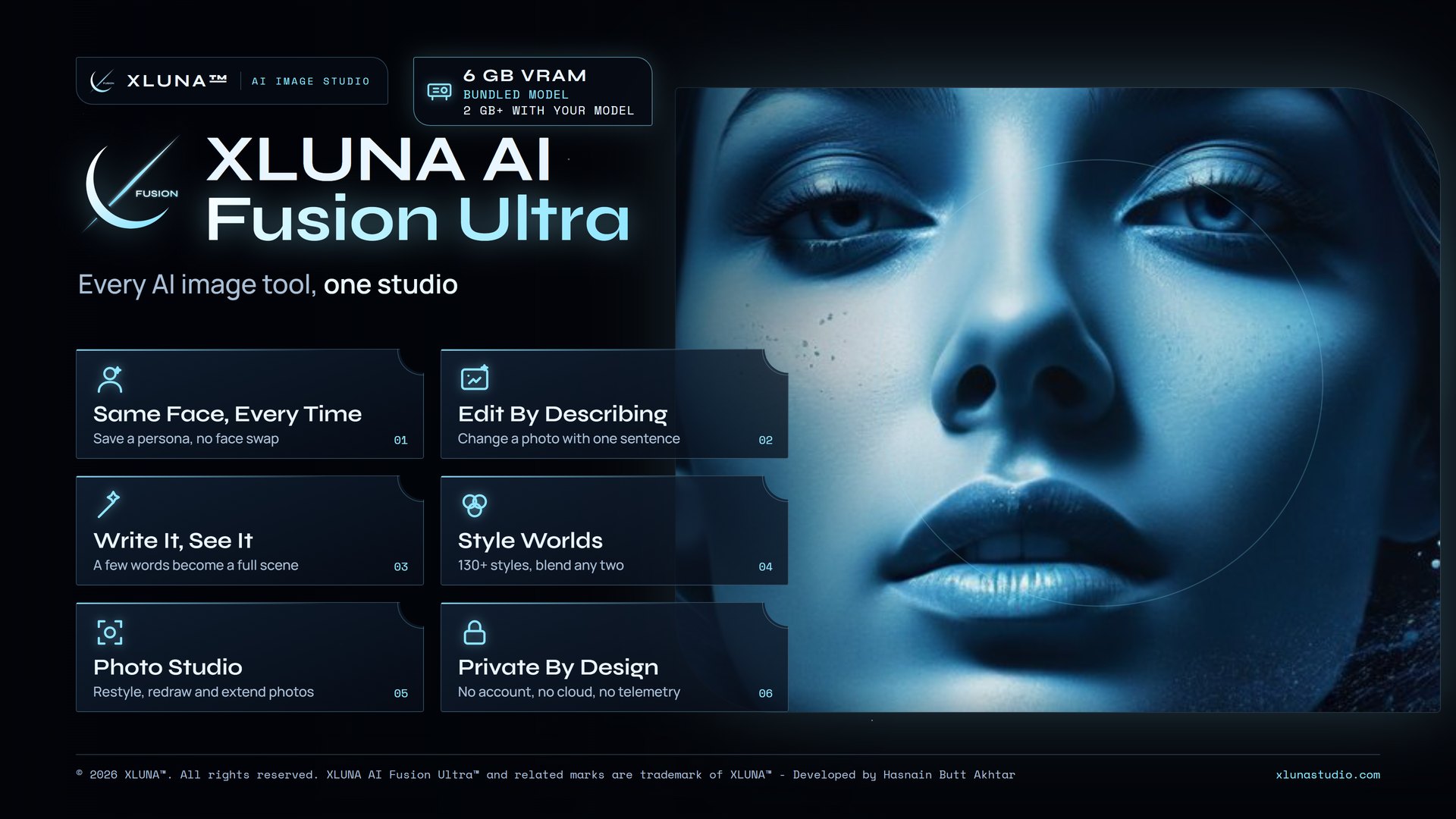
What XLUNA AI Fusion Ultra does for you
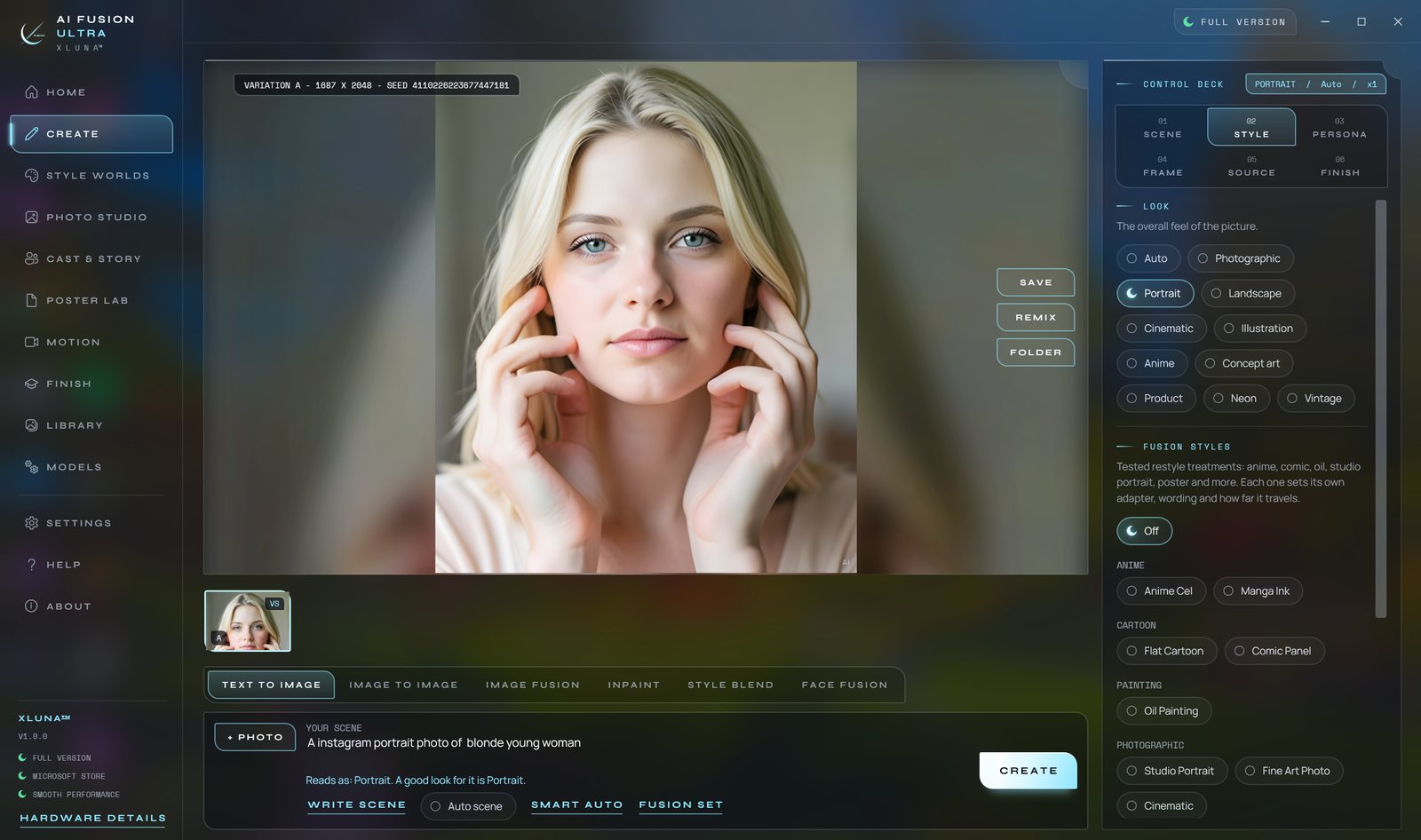
Describe a scene and XLUNA AI Fusion Ultra paints it on your own graphics card. Write Scene turns a few words into a full scene with subject, action, place, light and camera, and up to eight variations arrive at once so you can keep the best.
Save a persona from up to three photos and the same face appears in every picture you make, with no face swap and no touch-ups. Add a photo and say what to change, and Image Fusion changes only that. Paint over one area to redraw it, extend the picture past its edges or replace the background.
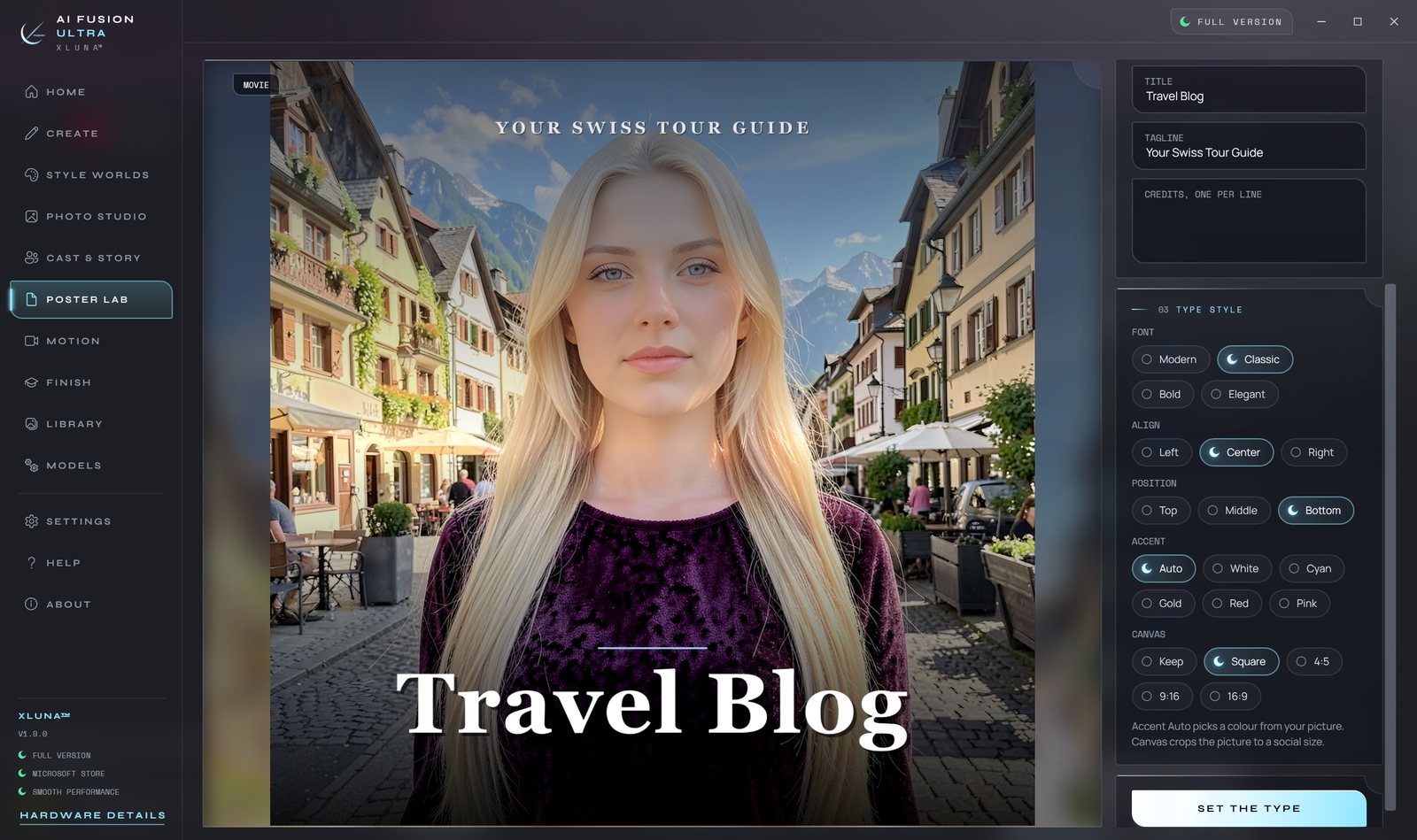
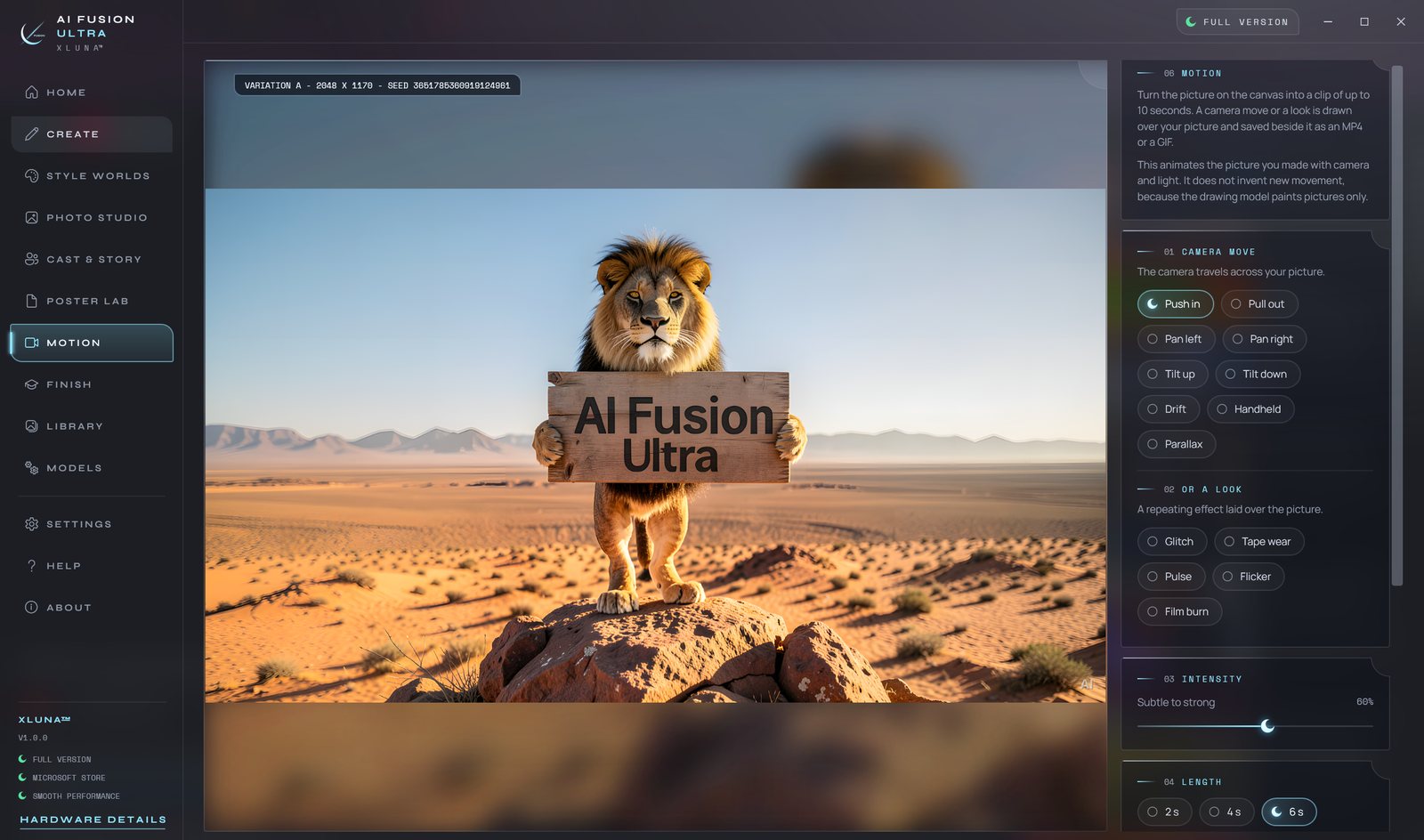
Then finish the work. Poster Lab sets real type on seven layouts, Cast and Story paints storyboards with the same faces in every panel, Motion turns a picture into a clip of up to ten seconds, and Finish enlarges to 2x, 4x or 8x with a social pack in one click.
See XLUNA AI Fusion Ultra in 3 minutes
Nothing loads from YouTube until you press play, and the video then plays in YouTube's privacy-enhanced mode. Watch on YouTube
What you get
- Text to image, image to image, inpaint, style blend and face fusion
- Personas keep one face in every picture, with no face swap
- Image Fusion edits a photo from a plain sentence
- More than 130 styles across fifteen worlds, with blends of any two
- Poster Lab, storyboards and clips of up to ten seconds as MP4 or GIF
- Enlarge to 2x, 4x or 8x, face detail, background removal and a social pack
What makes XLUNA AI Fusion Ultra premium
One face in every picture
Save a persona from up to three photos and it keeps that face in every new picture, with no face swap afterwards.
Edits you describe
Say what to change in a photo and Image Fusion changes only that, leaving the rest of the picture as it was.
A whole studio in one window
Image maker, photo editor, poster lab, storyboards, clips and upscaling share one library and one engine.
Your graphics card does the work
Pictures are made on your own PC, so prompts and photos never leave it and nothing is billed per picture.
See it on a real desktop
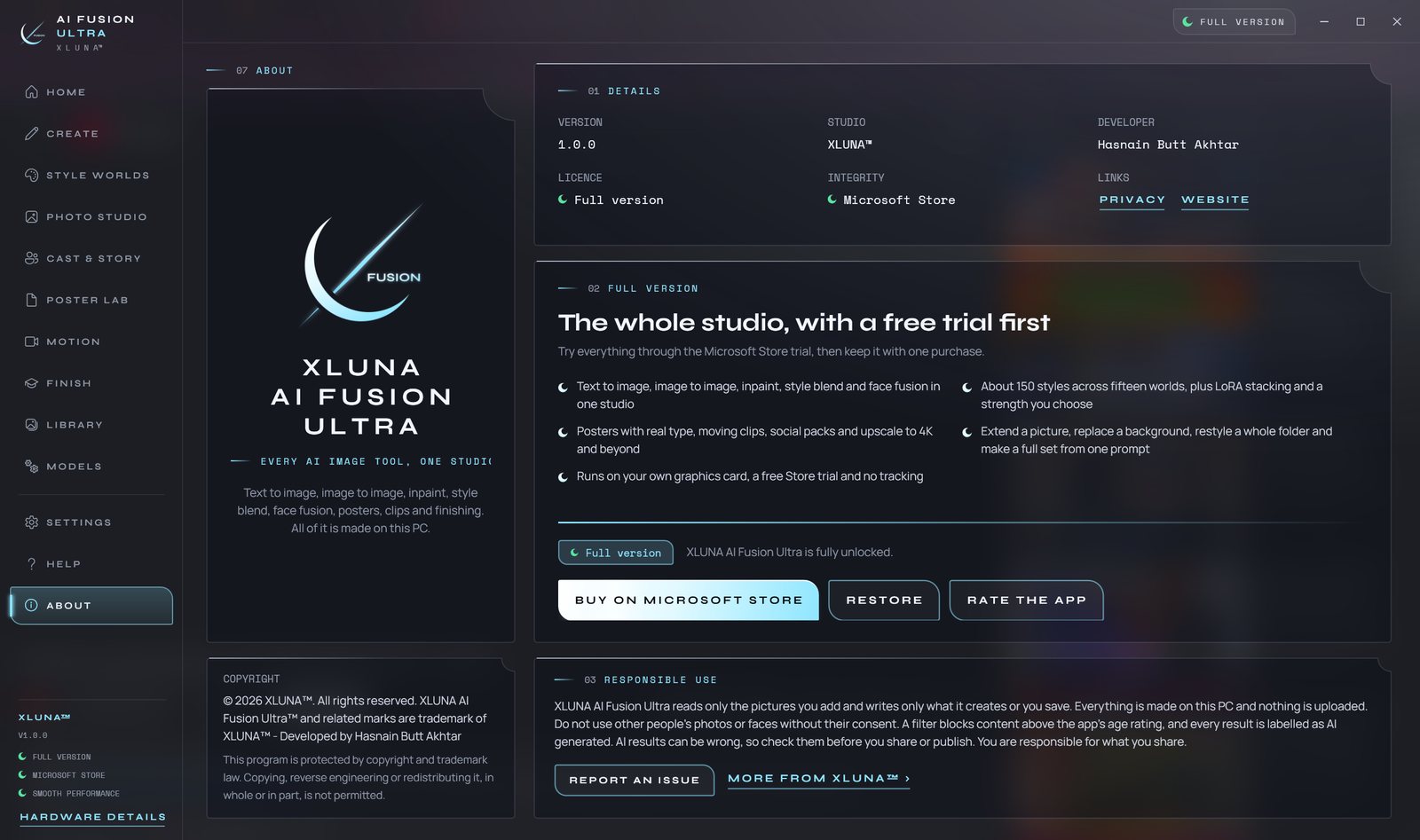
Before you install
- Platforms
- Windows 10 (version 2004 or later) and Windows 11, x64
- Pricing
- Single purchase, lifetime licence · the Store shows your local price
- Trial
- 24 hours with every feature
- Updates
- Included
- Account
- Not required
- Processor
- 4 cores minimum, 8 or more recommended
- Memory
- 16 GB minimum, 32 GB recommended
- Graphics card
- Dedicated card with 6 GB or more for every model, including the bundled one; 2 GB to 4 GB runs SD 1.5 and SDXL models you add
- Storage
- About 14 GB free for the app, more for your pictures
- Internet
- Not needed to create pictures
- Get it from
- Microsoft Store
- Developer
- XLUNA™
Your data stays on your PC
Read the full XLUNA AI Fusion Ultra privacy policy, or the studio's privacy-first promise.
XLUNA AI Fusion Ultra against the usual way
| Compared | XLUNA AI Fusion Ultra | A typical subscription app |
|---|---|---|
| How you pay | Once, and it is yours | A monthly or yearly fee |
| Account | None | Usually required |
| Your data | Stays on your PC | Often sent to company servers |
| Adverts and tracking | None | Common |
| Works offline | Yes, completely | Often not |
| Try before you buy | 24 hours, every feature | Often a limited free tier |
Questions before you buy
Does XLUNA AI Fusion Ultra upload my photos or prompts?
No. Your photos, personas, prompts and pictures stay on your PC. Everything is made on your own graphics card, and nothing is sent anywhere.
What graphics card do I need?
A dedicated graphics card. With 6 GB of video memory or more it runs every model, including the drawing model that comes with the app. With 2 GB or 4 GB it runs SD 1.5 and SDXL models that you add yourself.
Are there credits or a subscription?
No. Try it free with the Microsoft Store trial, then buy it once. Every picture you make after that costs nothing.
Can I use photos of other people?
Only with their consent. A content filter that cannot be turned off blocks material above the app's age rating, and every result is labelled as AI generated.
Do I need an account?
No. There is nothing to sign up for or sign in to. You install it from the Microsoft Store and it works.
What happens when the 24-hour trial ends?
The app asks you to buy it on the Microsoft Store to keep using it. Nothing is charged automatically, and your settings stay on your PC.
Try XLUNA AI Fusion Ultra free for 24 hours
Every feature switched on, on your own PC. If it earns its place, one payment keeps it for good, with updates included.