


XLUNA Media Elite
Play everything. Make it look cinematic. A premium player for your films, series and music, with live cinematic looks, 3D sound and your streaming services on one stage. No account, and your library stays on your PC.
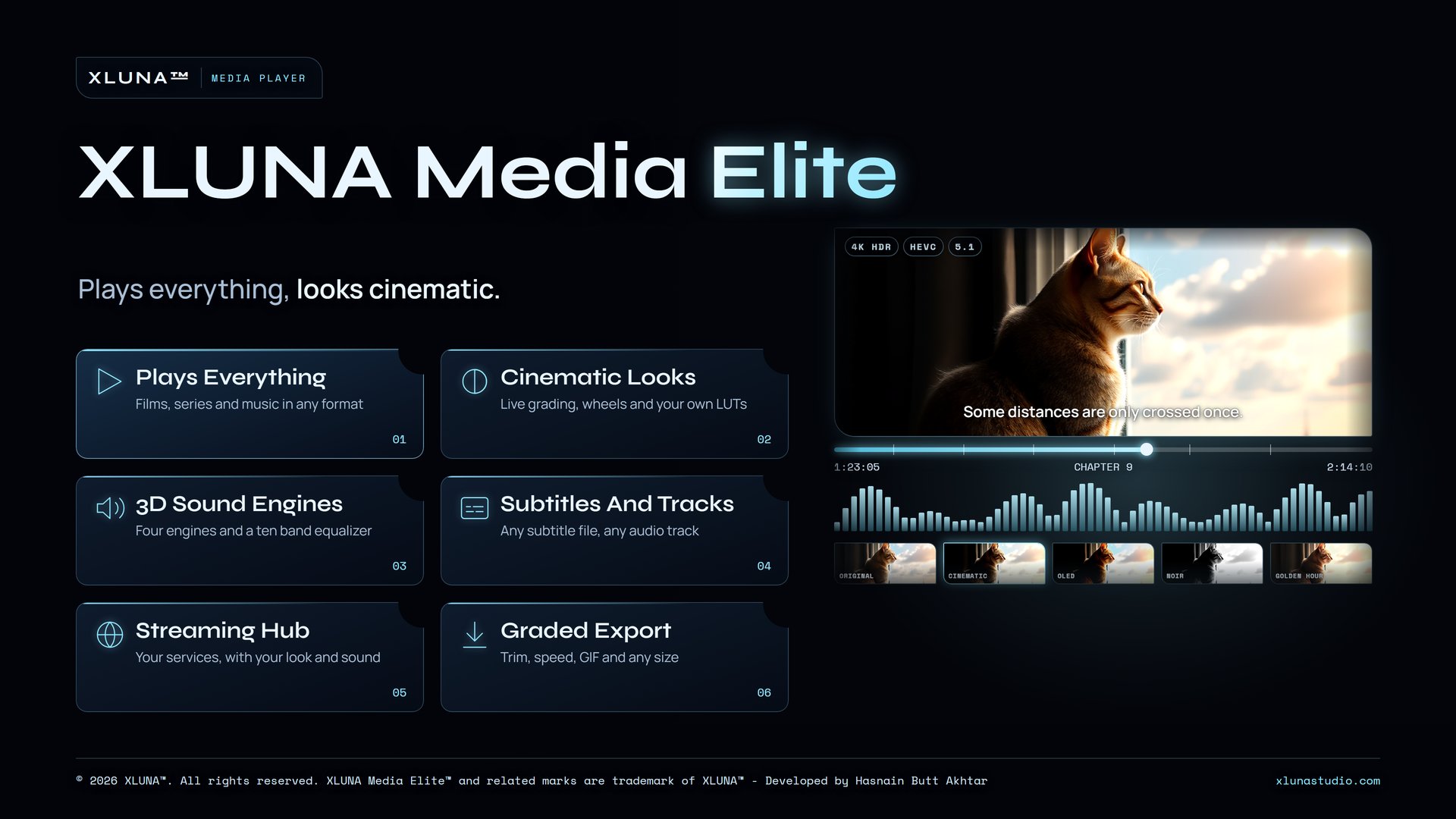
What XLUNA Media Elite does for you
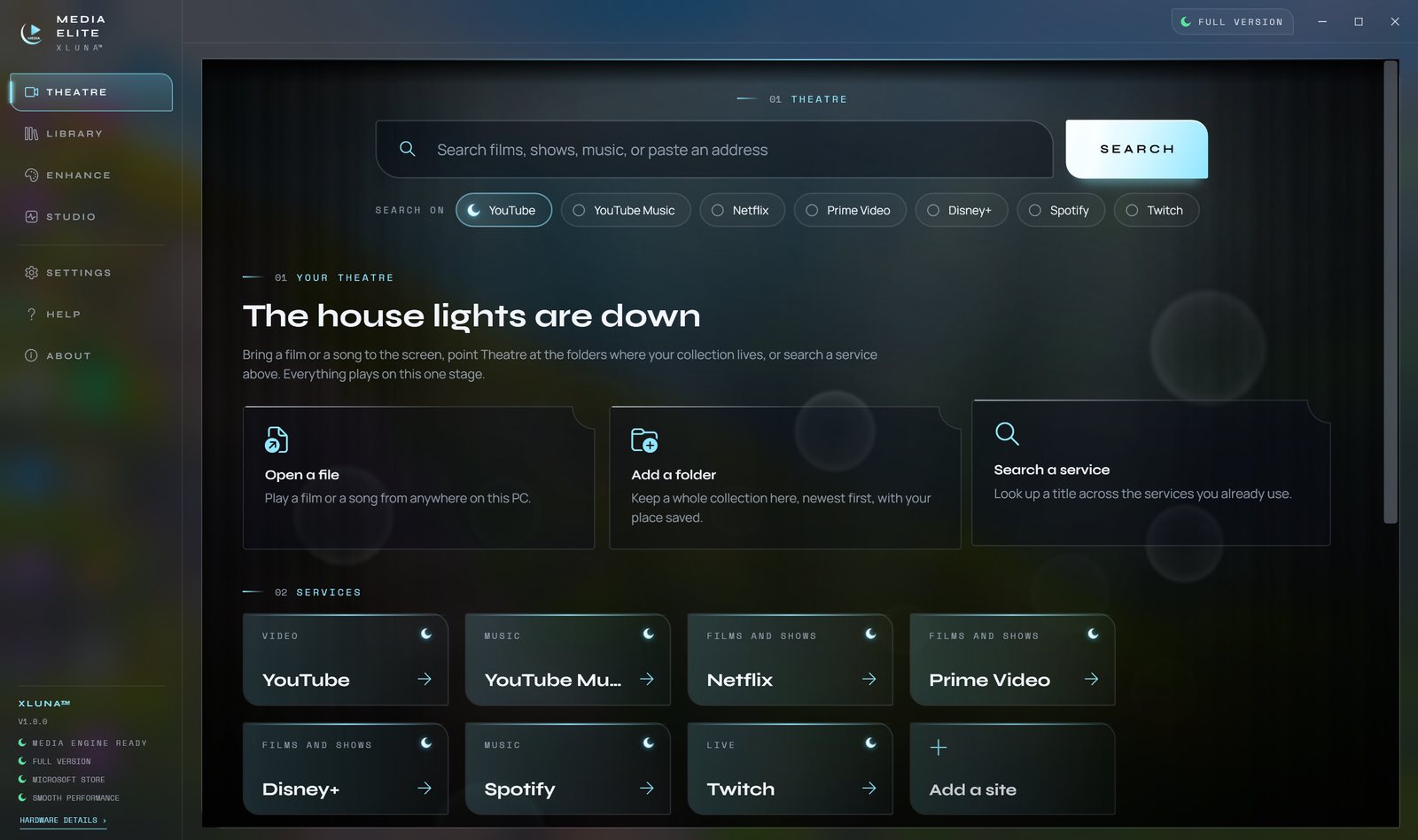
Your films, your music and the streaming services you already use, on one stage. Theatre in XLUNA Media Elite plays the files on your PC and opens your services alongside them, with continue watching, a queue and saved tabs close at hand.
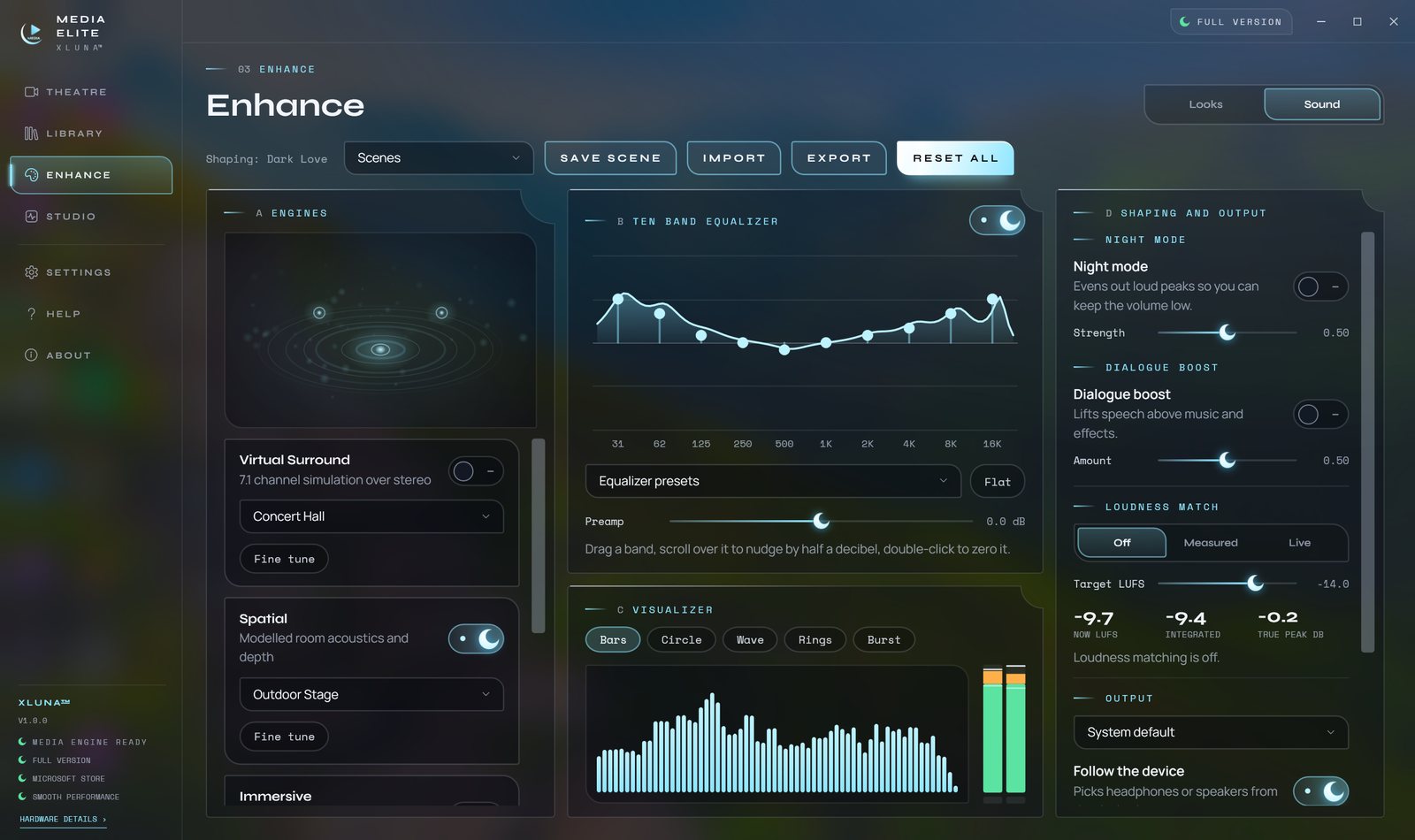
Pick a look and the picture regrades at once. Push shadows and highlights with colour wheels, load your own LUTs, watch the scopes and flip a before and after split while the film plays. Four 3D sound engines, a ten band equalizer, night mode and dialogue boost tune the sound for headphones or speakers, and a scene sets both in one tap.
Add your folders once and the library builds itself, with posters, series and resume. Subtitles, audio tracks, chapters, speeds from 0.25x to 8x, a mini player and media keys are all there, and Studio saves a graded copy, a trimmed clip, a GIF or a storyboard.
What you get
- Plays films, series and music with resume, a queue and chapters
- Live looks with colour wheels, your own LUTs, scopes and a split view
- Four 3D sound engines, a ten band equalizer, night mode and dialogue boost
- Theatre puts your own files and your streaming services on one stage
- Any subtitle file, several audio tracks, frame step and 0.25x to 8x speed
- Graded export to MP4, MKV or WebM, audio only, GIF and WebP
What makes XLUNA Media Elite premium
One stage for everything
Theatre plays your own films and music and opens the streaming services you already use in the same place.
Grading in the player
Colour wheels, your own .cube LUTs, scopes and a before and after split work live while the film plays.
Sound that fills the room
Four 3D sound engines with a ten band equalizer, night mode, dialogue boost and loudness matching.
Every title remembered
A scene sets picture and sound together, and each film keeps its own look, sound and place.
See it on a real desktop
Before you install
- Platforms
- Windows 10 (version 2004 or later) and Windows 11, x64
- Pricing
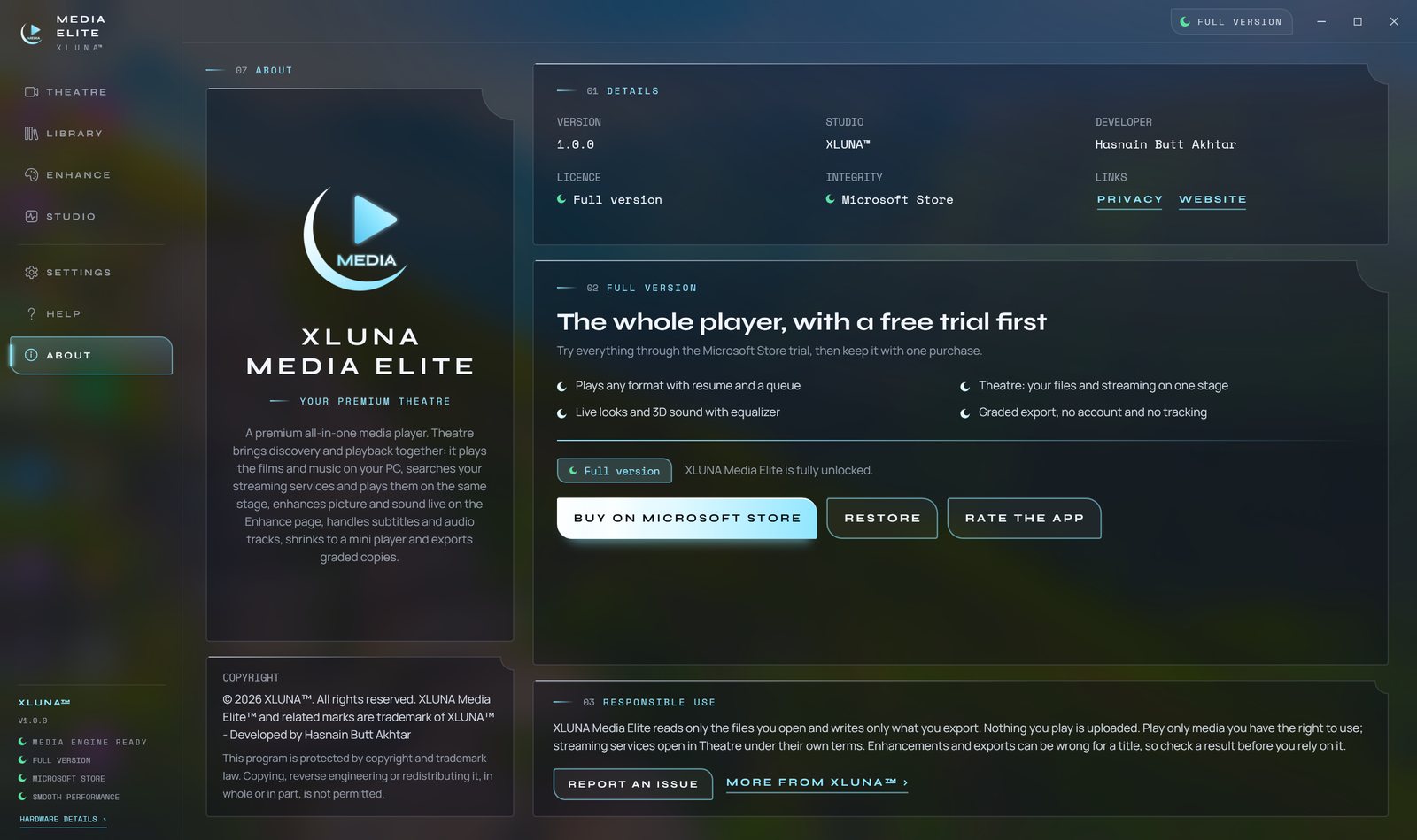
- Single purchase, lifetime licence · the Store shows your local price
- Trial
- 24 hours with every feature
- Updates
- Included
- Account
- Not required
- Processor
- 4 cores minimum, 6 or more recommended
- Memory
- 8 GB minimum, 16 GB recommended
- Storage
- 2 GB free, more for exports and thumbnails
- Graphics
- A DirectX capable graphics device
- Internet
- Not needed for your own files; streaming services need a connection
- Get it from
- Microsoft Store, coming soon
- Developer
- XLUNA™
Your data stays on your PC
Read the full XLUNA Media Elite privacy policy, or the studio's privacy-first promise.
XLUNA Media Elite against the usual way
| Compared | XLUNA Media Elite | A typical subscription app |
|---|---|---|
| How you pay | Once, and it is yours | A monthly or yearly fee |
| Account | None | Usually required |
| Your data | Stays on your PC | Often sent to company servers |
| Adverts and tracking | None | Common |
| Works offline | Yes, except streaming services you open | Often not |
| Try before you buy | 24 hours, every feature | Often a limited free tier |
Questions before you buy
Does XLUNA Media Elite upload my films or music?
No. Your files, library, thumbnails, looks and scenes stay on your PC. Playing, grading, sound and export never use the internet.
How do streaming services work in Theatre?
Theatre opens the service's own page, the way a browser would, and you sign in to it yourself. The app does not download, save or read the streams. Looks and sound on web pages are approximate; LUTs, subtitles and colour wheels apply to your own files.
Can I use my own LUTs?
Yes. Import any .cube LUT, combine it with the colour wheels and compare it against the original with the before and after split.
Does it work offline?
Yes, for everything on your PC. Only the streaming services you open need a connection. The Microsoft Store licence check is handled by Windows.
Do I need an account?
No. There is nothing to sign up for or sign in to. You install it from the Microsoft Store and it works.
What happens when the 24-hour trial ends?
The app asks you to buy it on the Microsoft Store to keep using it. Nothing is charged automatically, and your settings stay on your PC.
Be first when XLUNA Media Elite lands
Send a note and the studio will tell you the day it arrives on the Microsoft Store, with a 24 hour free trial ready to go.