


XFidelity Ultra
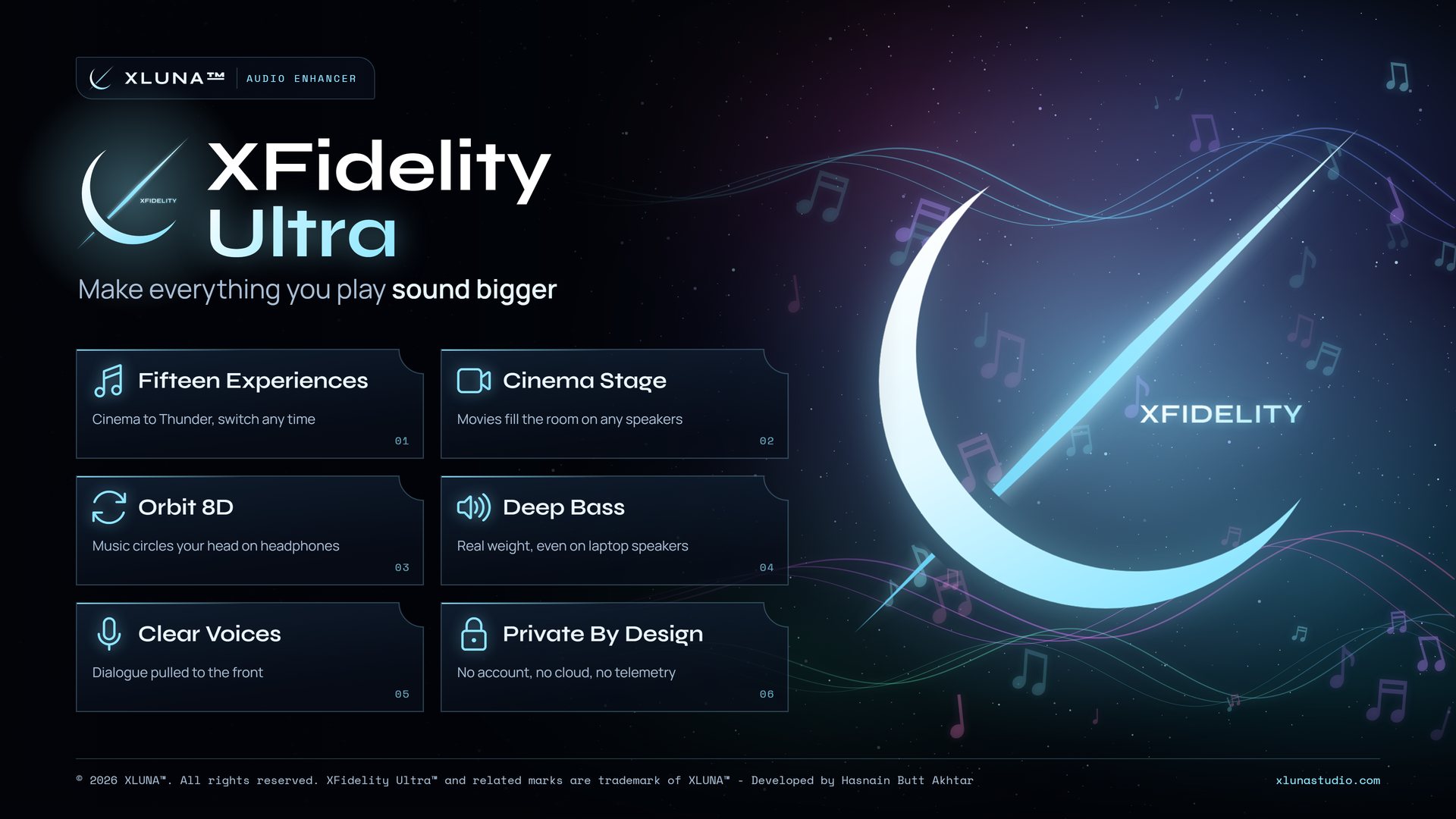
Make everything you play sound bigger. One power button and every app your PC plays sounds wider, deeper and clearer, from the speakers or headphones you already own.
What XFidelity Ultra does for you
Get cinema sound from the speakers you already own, and headphone audio that finally stops sitting flat inside your head. XFidelity Ultra does both with one press of the power button.
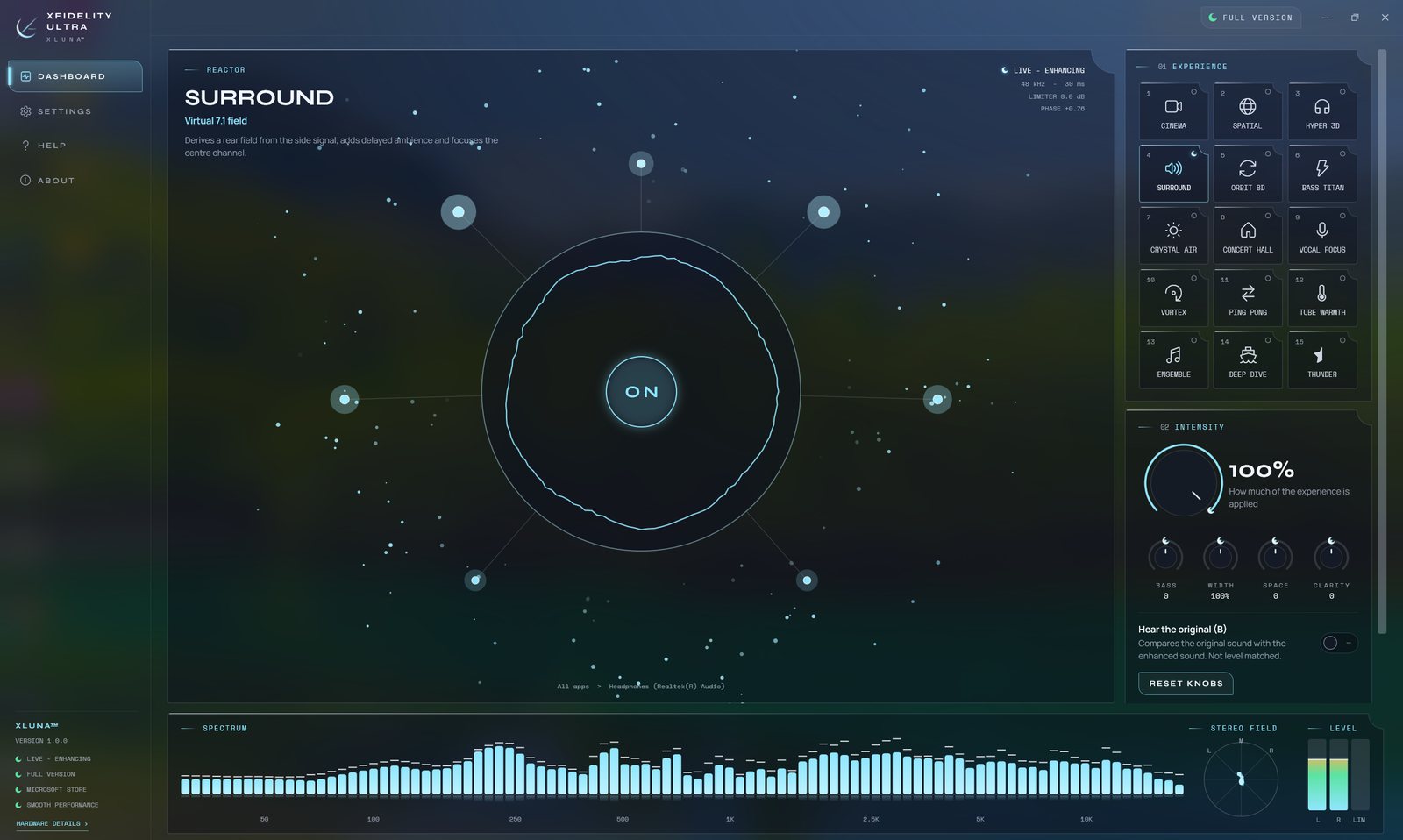
Every app you play sounds wider, deeper and clearer, processed live on your own PC. Fifteen experiences cover films, music and games, from Cinema and Surround to Orbit 8D, Hyper 3D and Bass Titan, and Vocal Focus brings dialogue to the front.
Shape the result with Intensity, Bass, Width, Space and Clarity, a ten band equalizer and an adjustable limiter, and hold Hear the original to compare at the same loudness.
What you get
- Every app Windows plays is enhanced automatically
- Fifteen experiences: Cinema, Surround, Orbit 8D, Hyper 3D, Bass Titan and more
- Dialogue brought forward with Vocal Focus and Crystal Air
- Intensity, Bass, Width, Space and Clarity controls
- Ten band equalizer and an adjustable limiter
- Hear the original to compare at the same loudness
What makes XFidelity Ultra premium
A real-time sound engine
Every app Windows plays is reshaped live in memory, from films and games to music and calls.
Fifteen tuned experiences
Cinema, Surround, Orbit 8D, Hyper 3D, Bass Titan and more, each tuned as a complete sound, not a preset slider.
Clean at any volume
An adjustable limiter catches loud moments before they clip, and a ten band equalizer fine tunes the result.
An honest comparison
Hold Hear the original to compare at the same loudness, so you hear the enhancement, not just extra volume.
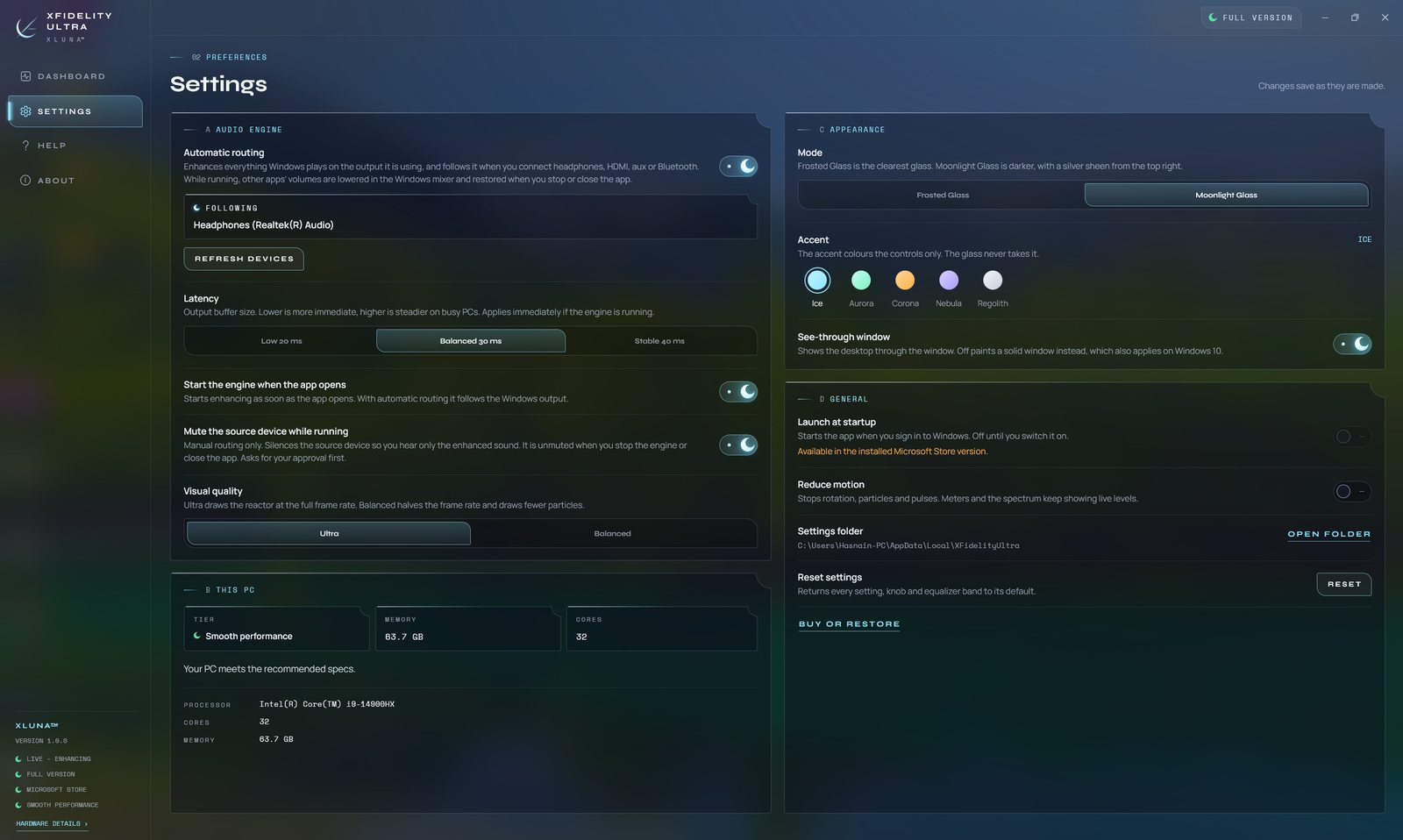
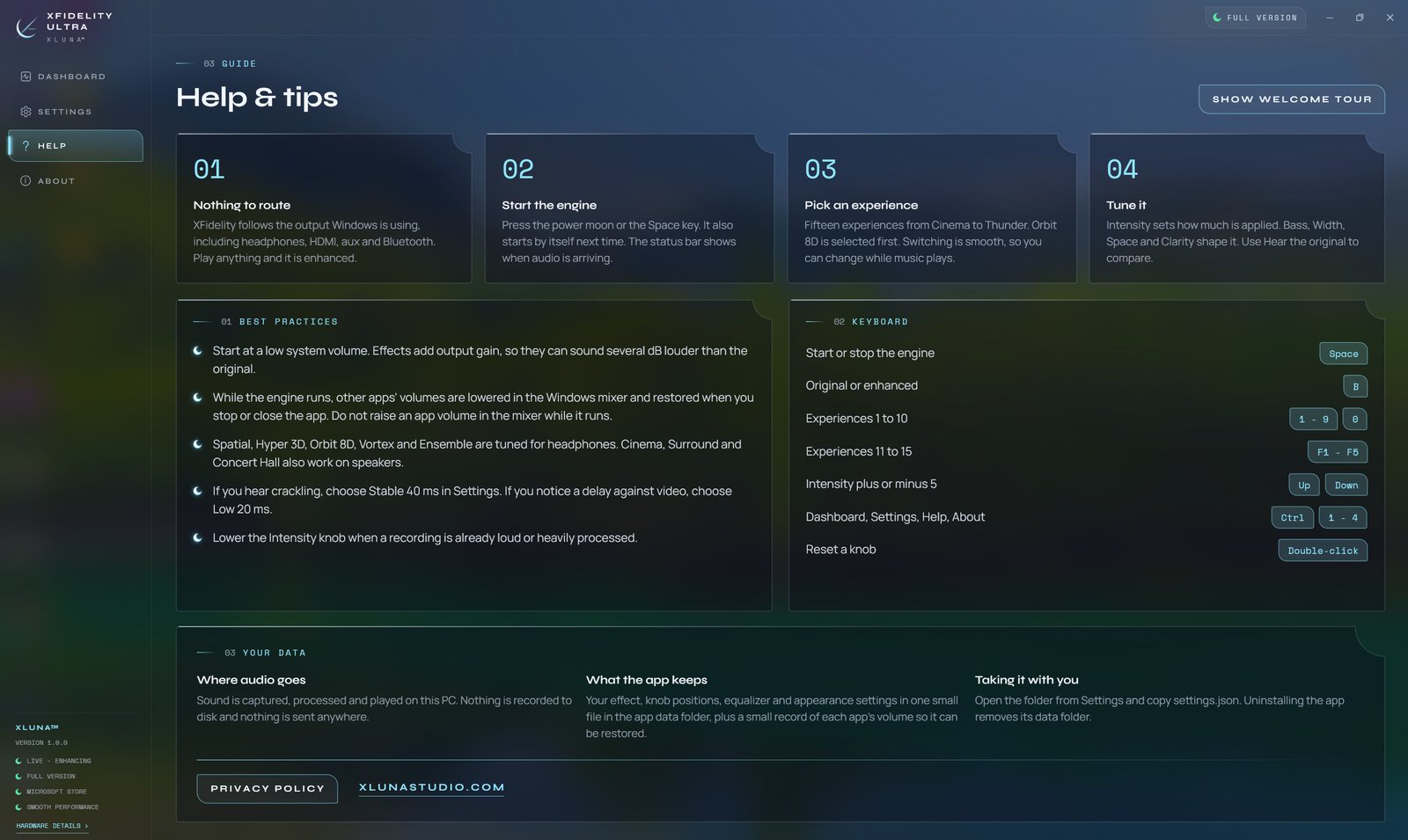
See it on a real desktop
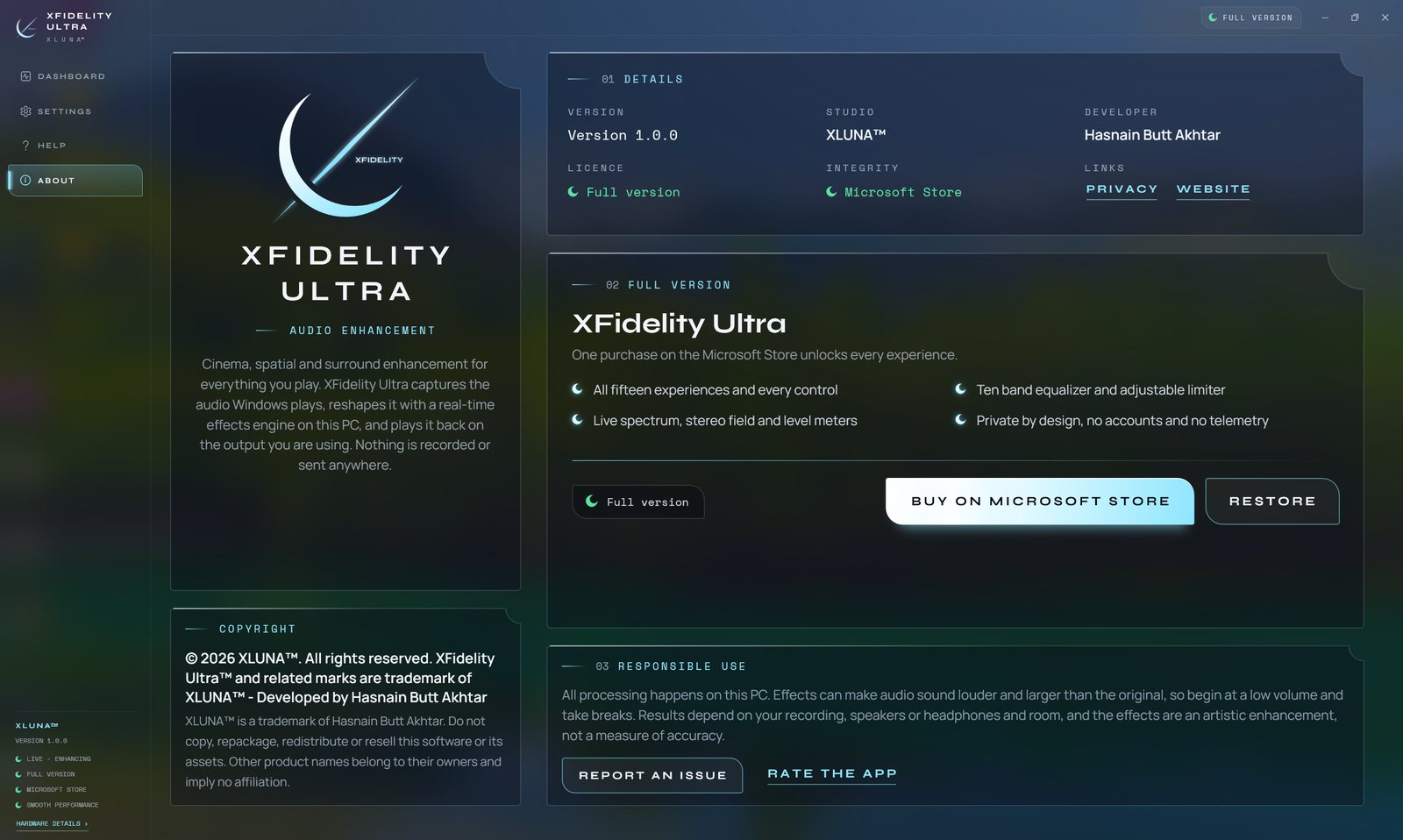
Before you install
- Platforms
- Windows 10 (version 2004 or later) and Windows 11, x64
- Pricing
- Single purchase, lifetime licence · the Store shows your local price
- Trial
- 24 hours with every feature
- Updates
- Included
- Account
- Not required
- Get it from
- Microsoft Store
- Developer
- XLUNA™
Your data stays on your PC
Read the full XFidelity Ultra privacy policy, or the studio's privacy-first promise.
XFidelity Ultra against the usual way
| Compared | XFidelity Ultra | A typical subscription app |
|---|---|---|
| How you pay | Once, and it is yours | A monthly or yearly fee |
| Account | None | Usually required |
| Your data | Stays on your PC | Often sent to company servers |
| Adverts and tracking | None | Common |
| Works offline | Yes, fully | Often not |
| Try before you buy | 24 hours, every feature | Often a limited free tier |
Questions before you buy
Does XFidelity Ultra record or upload my audio?
No. Your sound is enhanced live in memory on your PC. It is never recorded, saved or sent anywhere.
Is my data stored on a server?
No. XLUNA collects no data and keeps nothing about you on any server. Your settings stay on your PC.
Do I need an account?
No. There is nothing to sign up for or sign in to. You install it from the Microsoft Store and it works.
Does XFidelity Ultra work offline?
Yes. The only time it goes online is the Microsoft Store licence check that confirms your trial or purchase.
Does it collect any data?
No. XFidelity Ultra has no telemetry, no analytics and no advertising code. It keeps only its own settings, in its folder on your PC.
What happens when the 24-hour trial ends?
The app asks you to buy it on the Microsoft Store to keep using it. Nothing is charged automatically, and your settings stay on your PC.
Try XFidelity Ultra free for 24 hours
Every feature switched on, on your own PC. If it earns its place, one payment keeps it for good, with updates included.