


XLUNA Voice Ultra
Say it, and your PC does it. Click anything on screen, run Windows in your own words, type by voice and ask questions out loud. Speech is recognised on your own PC, with no account and no voice recordings.
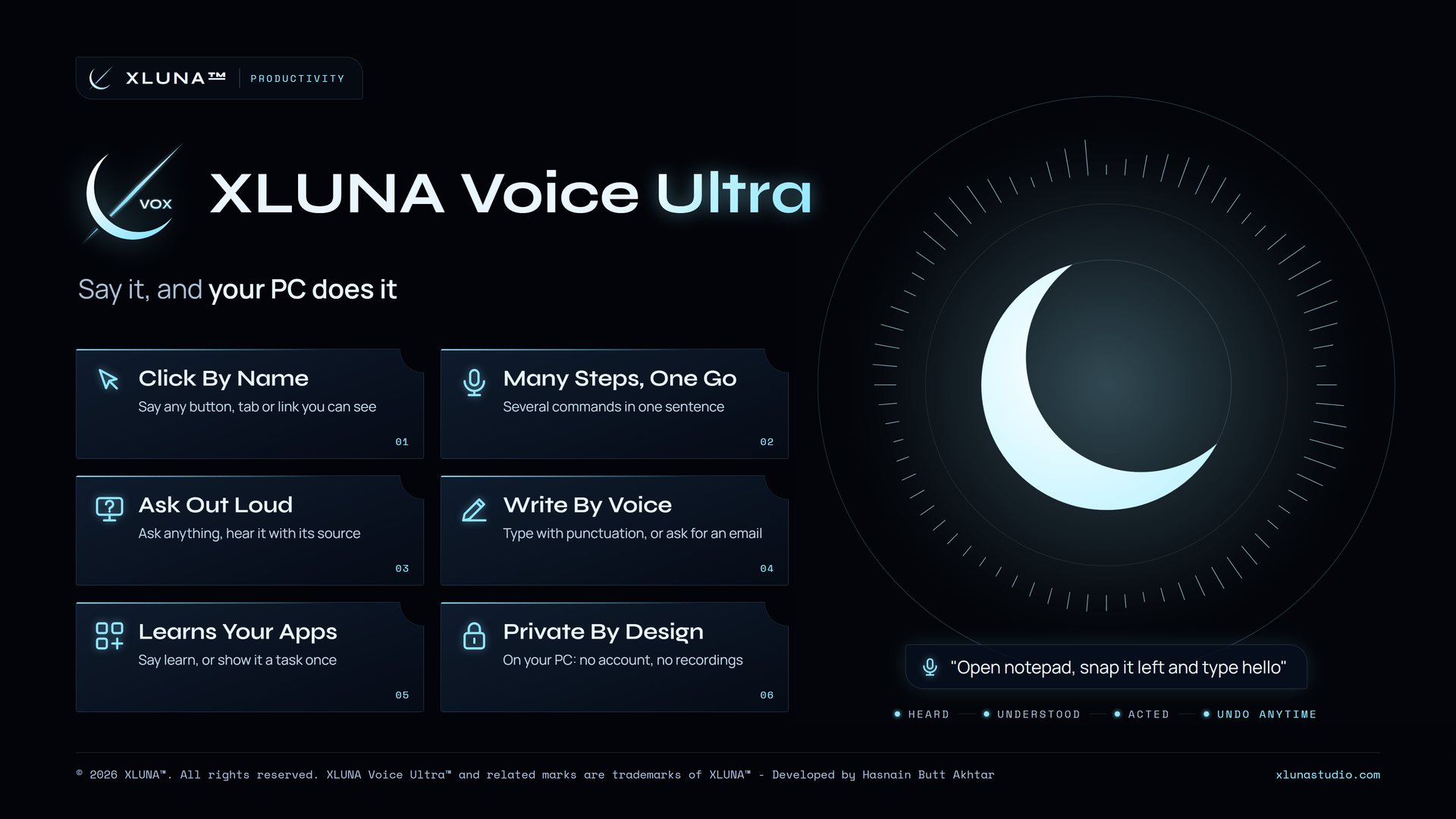
What XLUNA Voice Ultra does for you
Run your PC without reaching for the mouse. XLUNA Voice Ultra lets you click anything on screen, type without the keyboard, and ask your computer a question and hear the answer.
Open apps, files, folders and settings by name, snap and switch windows, scroll, search and play or pause music. Say several steps in one sentence, such as "open notepad and type hello", and they run in order. Voice typing understands spoken punctuation, and it can write an email or letter that opens ready to copy.
Teach it your routines in plain words, or show it a task once and say a phrase to repeat it. Speech is recognised on your PC and never recorded; only the words of a question that needs live facts, such as news or weather, are looked up online.
What you get
- Click any button, tab or link by saying its name, or say show numbers
- Run Windows in your own words: open, close, snap, scroll, switch and search
- Ask any question out loud and hear the answer, with its source named
- Type by voice with spoken punctuation, or ask for an email or letter
- Your own commands and routines, or show it a task once and repeat it
- Asks before anything risky, with undo from the timeline
What makes XLUNA Voice Ultra premium
See it, say it
Every button, tab, link and menu on screen is a voice command. Say its name, or say show numbers and pick one.
Learns your PC by itself
It finds the apps, settings, folders and controls on your PC, and say learn and an app's name to teach it that app's buttons and menus.
Your own words, many steps
Everyday phrasing works with no command list, and several steps in one sentence run in order.
Safe hands
Anything risky waits for your yes, and the changes it makes can be undone from the timeline.
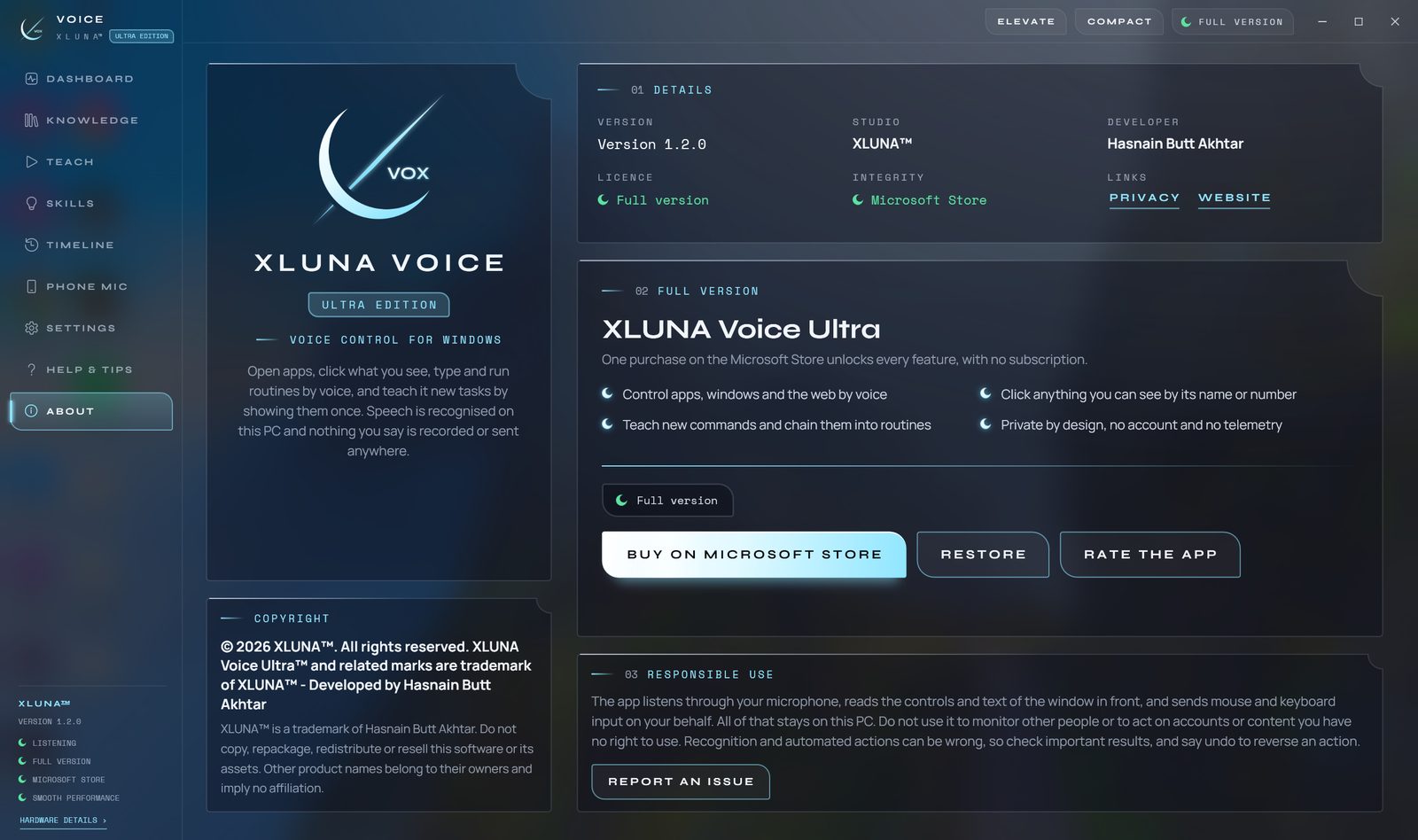
See it on a real desktop
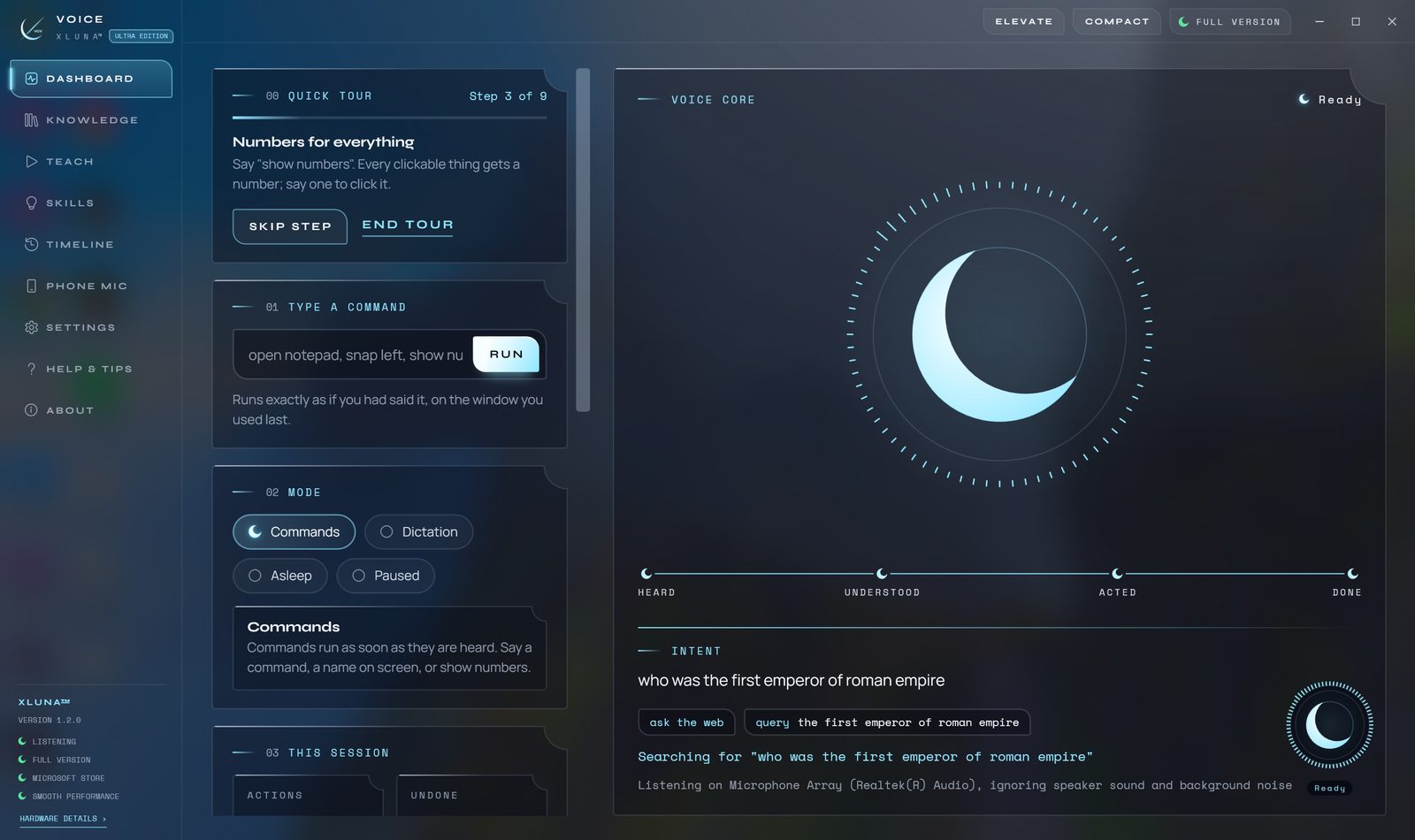
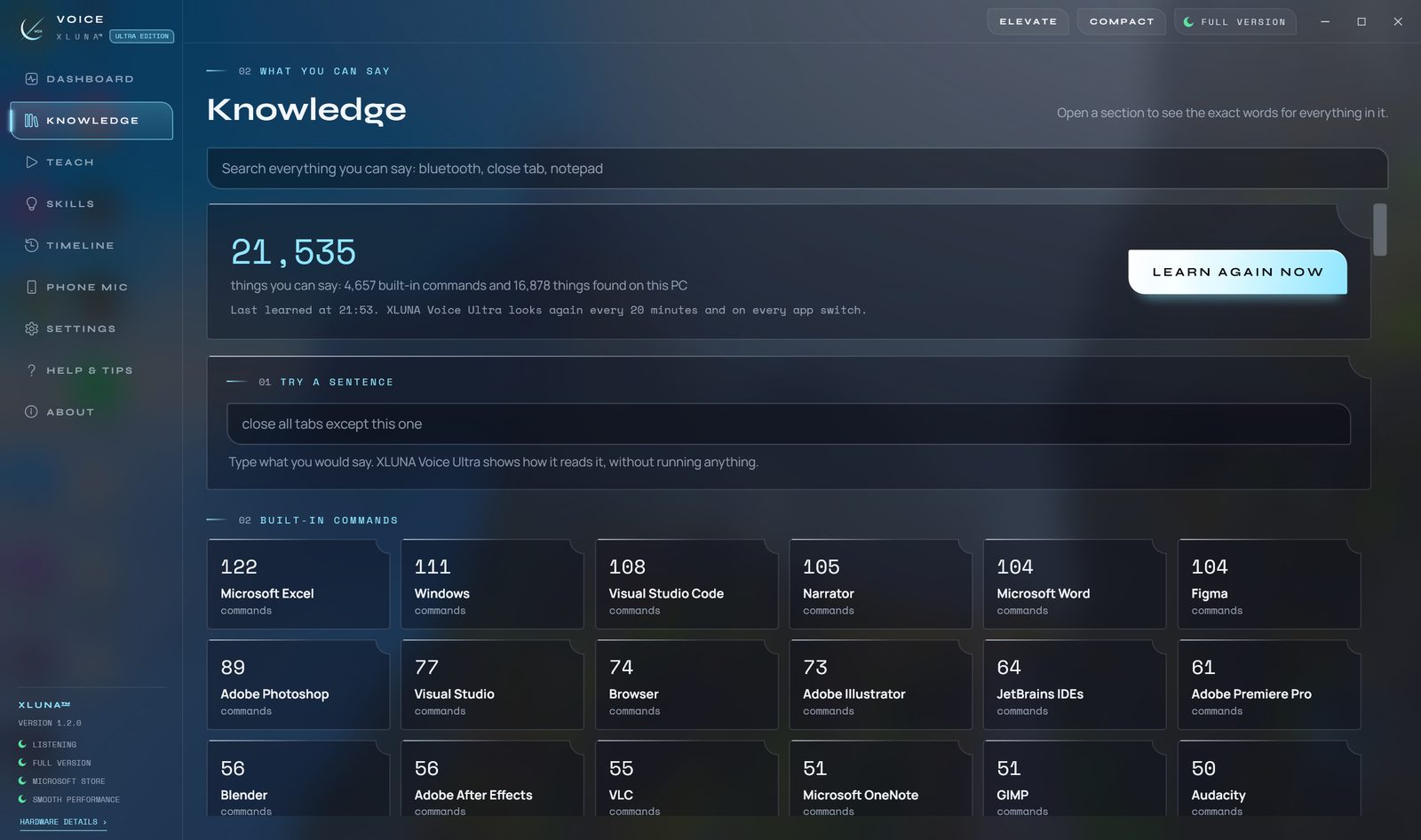
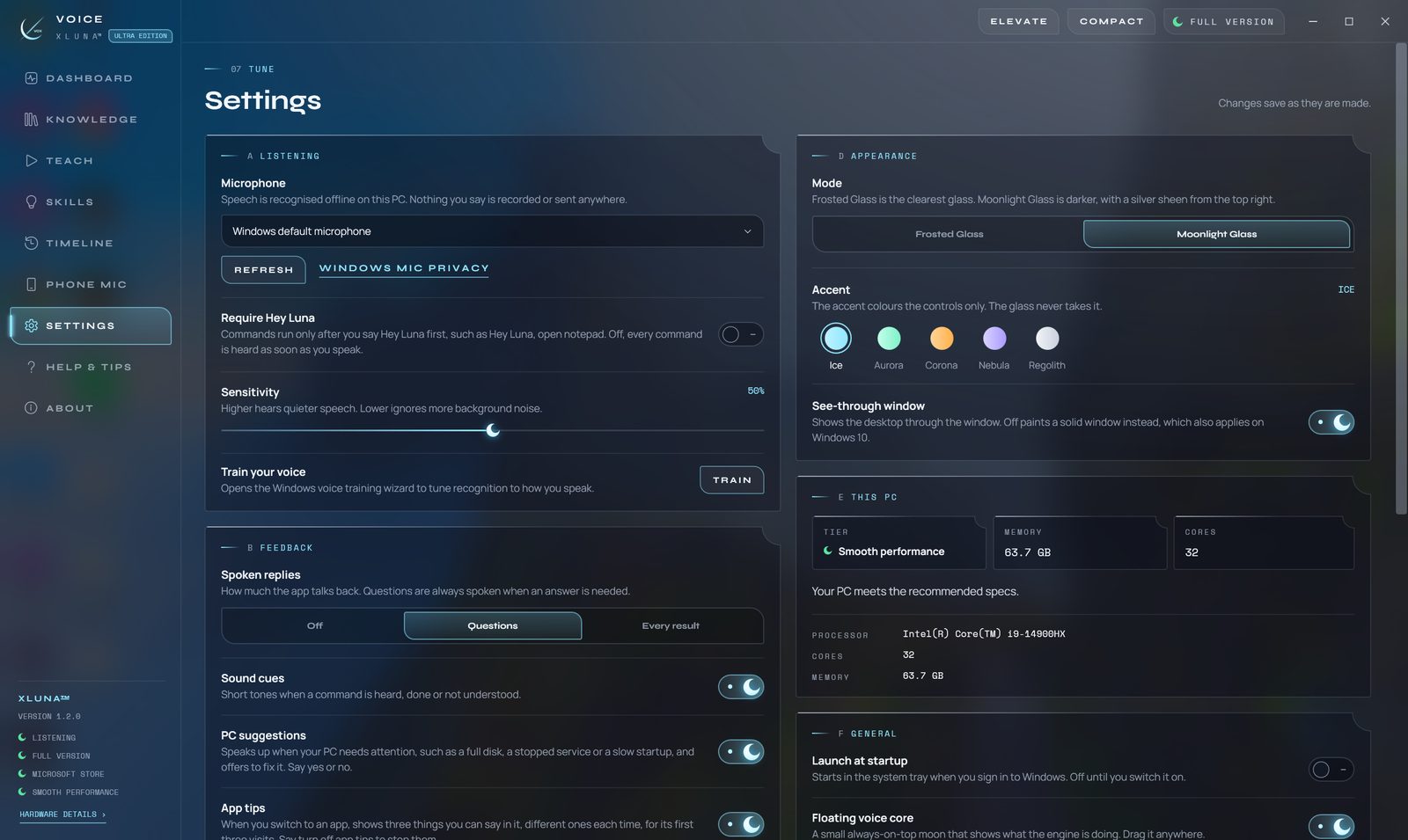
Before you install
- Platforms
- Windows 10 (version 2004 or later) and Windows 11, x64
- Pricing
- Single purchase, lifetime licence · the Store shows your local price
- Trial
- 24 hours with every feature
- Updates
- Included
- Account
- Not required
- Memory
- 8 GB minimum, 16 GB recommended
- Storage
- About 4 GB free, 6 GB recommended
- Microphone
- Built-in, USB or headset
- Internet
- Not needed for voice control, typing or answers about your PC
- Get it from
- Microsoft Store
- Developer
- XLUNA™
Your data stays on your PC
Read the full XLUNA Voice Ultra privacy policy, or the studio's privacy-first promise.
XLUNA Voice Ultra against the usual way
| Compared | XLUNA Voice Ultra | A typical subscription app |
|---|---|---|
| How you pay | Once, and it is yours | A monthly or yearly fee |
| Account | None | Usually required |
| Your data | Stays on your PC | Often sent to company servers |
| Adverts and tracking | None | Common |
| Works offline | Yes, except answers about live facts | Often not |
| Try before you buy | 24 hours, every feature | Often a limited free tier |
Questions before you buy
Does XLUNA Voice Ultra record or upload my voice?
No. Speech is recognised on your PC, processed in memory and discarded. It is never saved to disk and never sent anywhere.
Is my data stored on a server?
No. XLUNA collects no data and keeps nothing about you on any server. Your settings, routines and what it learned about your PC stay in the app's folder on your PC.
Does it work offline?
Yes, for voice control, voice typing and questions about your own PC. Only the words of a question that needs live facts, such as news, weather or exchange rates, are looked up online.
Do I need an account?
No. There is nothing to sign up for or sign in to. You install it from the Microsoft Store and it works.
What stops it doing something I did not mean?
Anything risky, such as shutting down or closing an app, waits for your yes. The changes it makes are listed on the timeline, where you can undo them.
What happens when the 24-hour trial ends?
The app asks you to buy it on the Microsoft Store to keep using it. Nothing is charged automatically, and your settings stay on your PC.
Try XLUNA Voice Ultra free for 24 hours
Every feature switched on, on your own PC. If it earns its place, one payment keeps it for good, with updates included.