


XLUNA Turbo Elite
Tune up your PC in one click. Clear junk, free memory, get ready for games and tidy startup in one app, with a record of every change it makes. No account, no cloud, and your files stay on your PC.
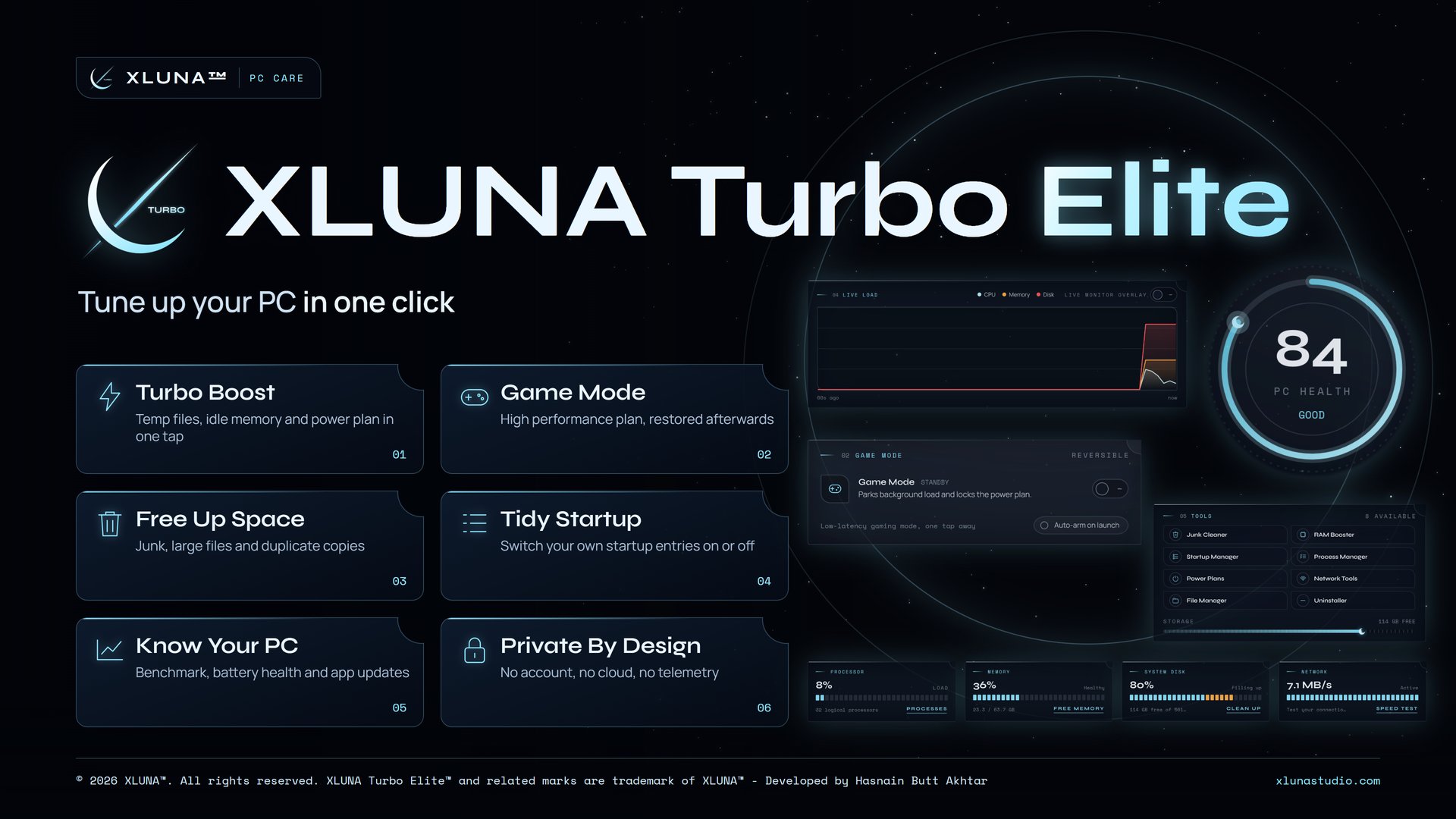
What XLUNA Turbo Elite does for you
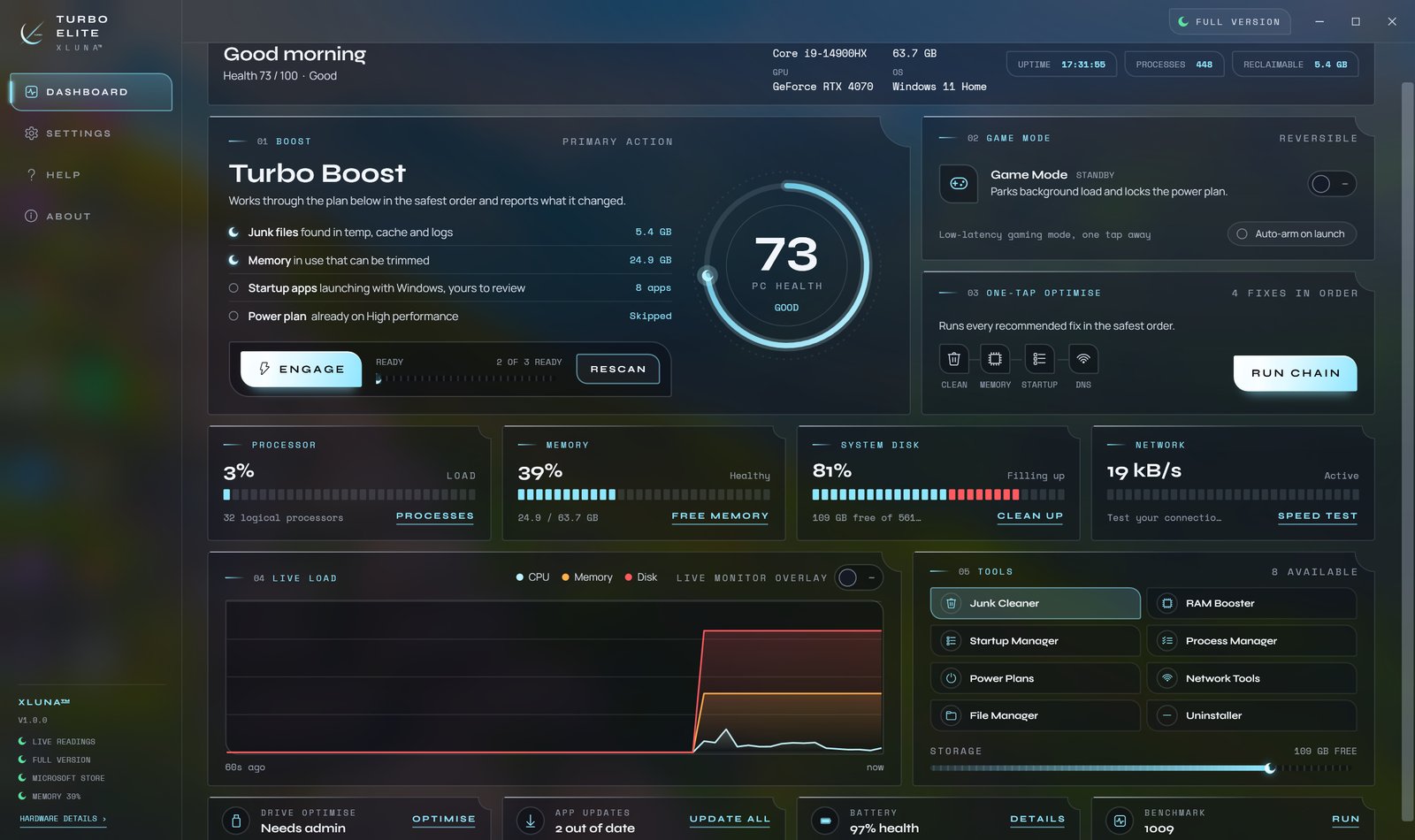
Clear the junk and get your PC ready for games in one action. Turbo Boost in XLUNA Turbo Elite clears temporary files, trims idle memory and switches your power plan, then tells you exactly what it did.
The junk cleaner shows the size of each category and lets you tick what to clear, the duplicate finder keeps one copy of identical files, and Large Files shows what takes space. Game Mode prepares your PC for play, and can arm itself when a game starts and stand down when it closes.
Switch your own startup entries on or off, see what uses your processor and memory, check your connection, optimise drives, list app updates, read battery health and run a benchmark. Every action is kept in the activity log.
What you get
- Turbo Boost clears temp files, trims idle memory and sets your power plan
- Game Mode with a high performance plan, restored when you switch it off
- Junk cleaning, large files and duplicate copies sent to the Recycle Bin
- Startup and process control, ending a process only when you choose
- Network tools with DNS flush and a speed test when you press go
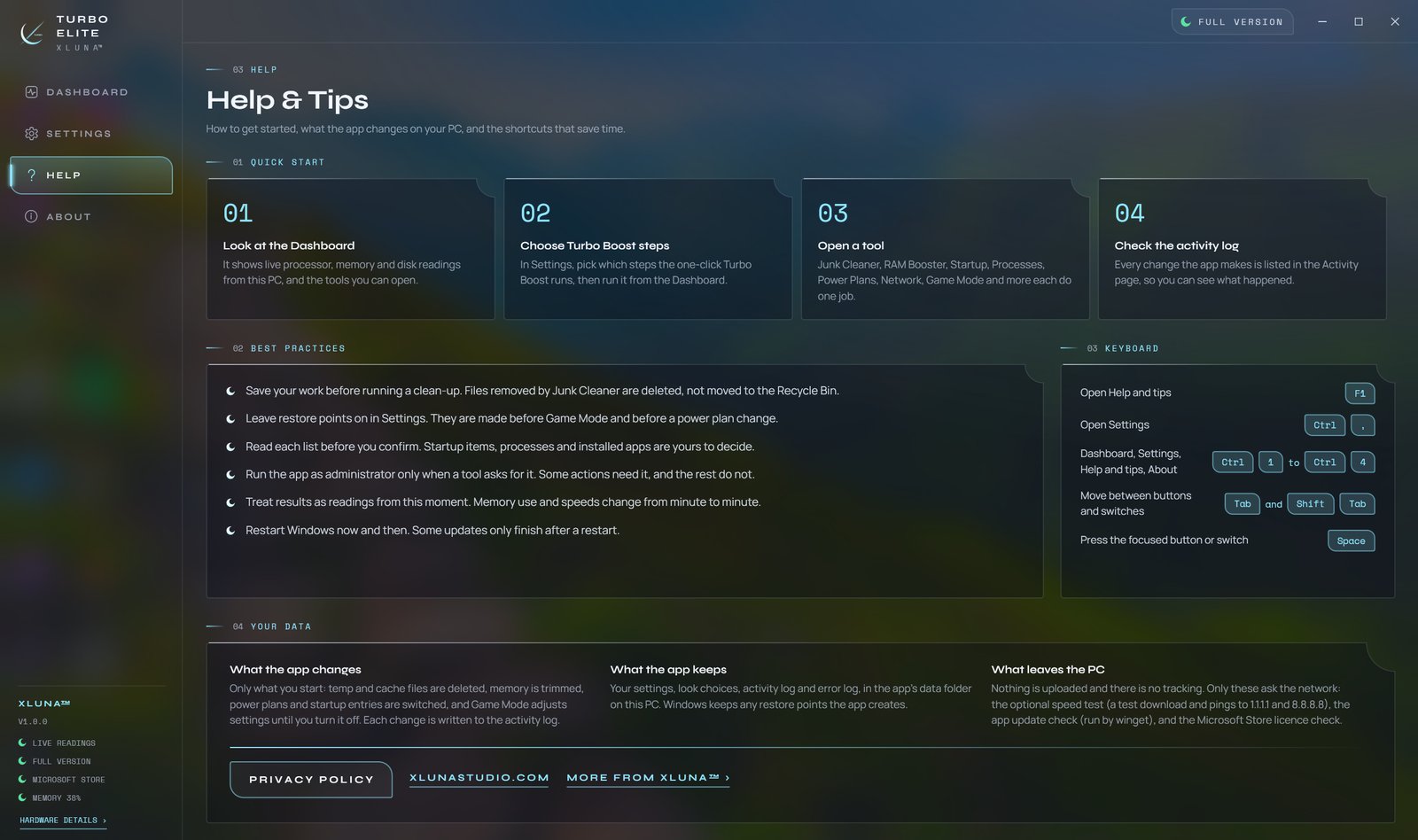
- Drive optimise, app updates, battery health, a benchmark and an activity log
What makes XLUNA Turbo Elite premium
One tap, then a record
Turbo Boost clears temporary files, trims idle memory and sets your power plan, then tells you what it did.
Ready before you play
Game Mode sets a high performance plan and turns on Windows Game Mode, and your old plan returns when you switch it off.
Nothing lost by mistake
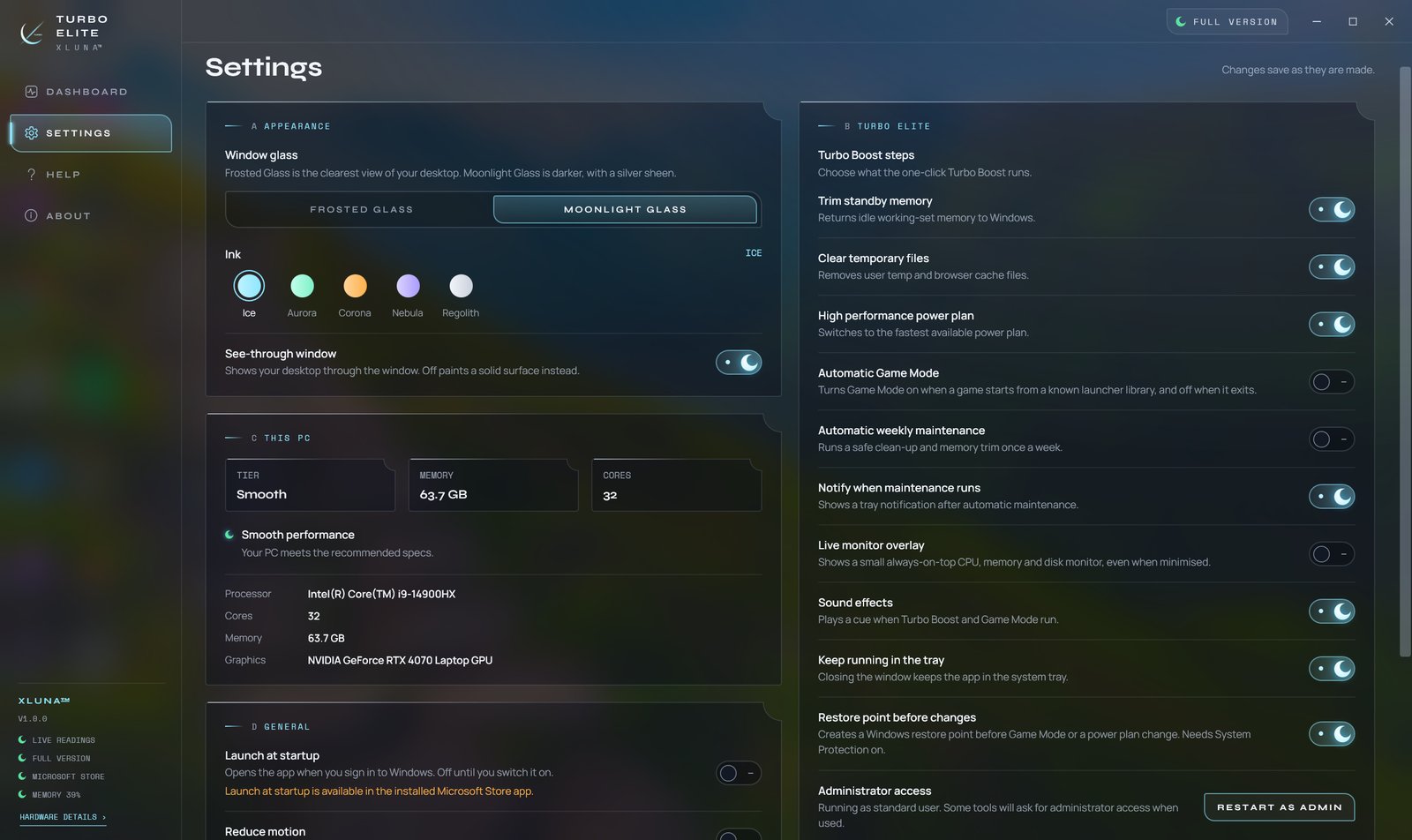
Duplicate and large files you remove go to the Recycle Bin, and restore points can be made before changes.
A whole toolkit
Startup, processes, power plans, network tools, an uninstaller, battery health and a benchmark in one app.
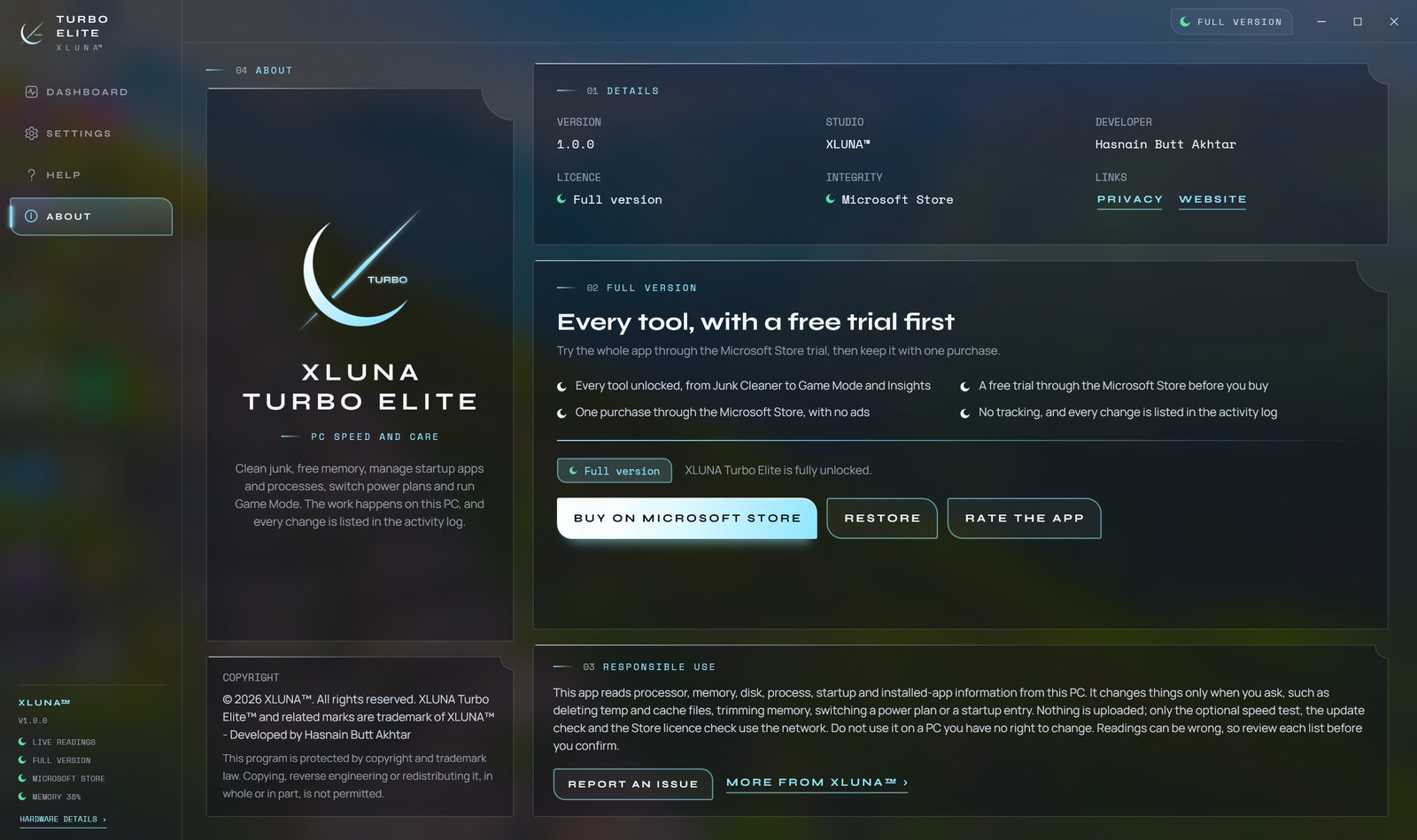
See it on a real desktop
Before you install
- Platforms
- Windows 10 (version 2004 or later) and Windows 11, x64
- Pricing
- Single purchase, lifetime licence · the Store shows your local price
- Trial
- 24 hours with every feature
- Updates
- Included
- Account
- Not required
- Memory
- 4 GB minimum, 8 GB recommended
- Storage
- 250 MB free, 500 MB recommended
- Administrator
- Optional, only for drive optimise, restore points and some power plans
- Internet
- Not needed, except for the speed test and app update list
- Get it from
- Microsoft Store
- Developer
- XLUNA™
Your data stays on your PC
Read the full XLUNA Turbo Elite privacy policy, or the studio's privacy-first promise.
XLUNA Turbo Elite against the usual way
| Compared | XLUNA Turbo Elite | A typical subscription app |
|---|---|---|
| How you pay | Once, and it is yours | A monthly or yearly fee |
| Account | None | Usually required |
| Your data | Stays on your PC | Often sent to company servers |
| Adverts and tracking | None | Common |
| Works offline | Yes, except the speed test and app update list | Often not |
| Try before you buy | 24 hours, every feature | Often a limited free tier |
Questions before you buy
Does XLUNA Turbo Elite upload my files or PC details?
No. The folders you scan, your processes, programs and startup entries are read on your PC to show them to you, and are never sent anywhere.
Is my data stored on a server?
No. XLUNA collects no data and keeps nothing about you on any server. Settings, the activity log and benchmark results stay in the app's folder on your PC.
Does it work offline?
Yes. Only the speed test and the app update list go online, and only when you start them. The Microsoft Store licence check is handled by Windows.
Do I need an account?
No. There is nothing to sign up for or sign in to. You install it from the Microsoft Store and it works.
Can I get removed files back?
Duplicate and large files you remove go to the Recycle Bin. Temporary and cache files cleared by the junk cleaner are deleted, so save your work before a clean-up.
What happens when the 24-hour trial ends?
The app asks you to buy it on the Microsoft Store to keep using it. Nothing is charged automatically, and your settings stay on your PC.
Try XLUNA Turbo Elite free for 24 hours
Every feature switched on, on your own PC. If it earns its place, one payment keeps it for good, with updates included.