


XLUNA PC Suite Elite
Find it. Fix it. Prove it. A PC repair suite with an on-device AI assistant: it finds the cause of a problem, repairs only what you approve and shows the health score before and after. No account, no cloud.
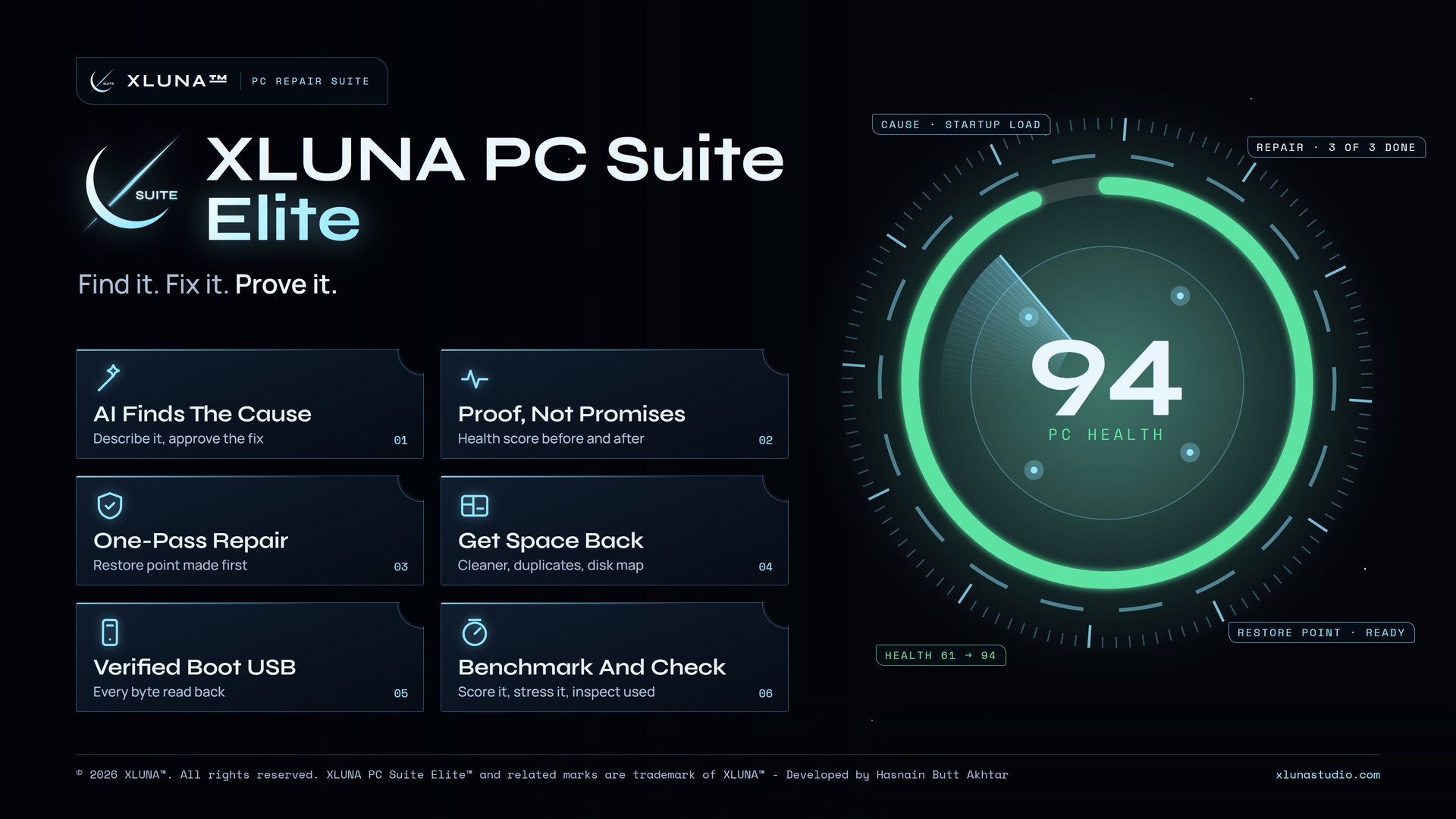
What XLUNA PC Suite Elite does for you
Type what is wrong, such as "my PC feels slow" or "Windows Update fails", and XLUNA PC Suite Elite looks at your PC, explains what it found in plain words and proposes repairs from a fixed list. You approve each step, it repairs, then it scans again and shows the health score before and after.
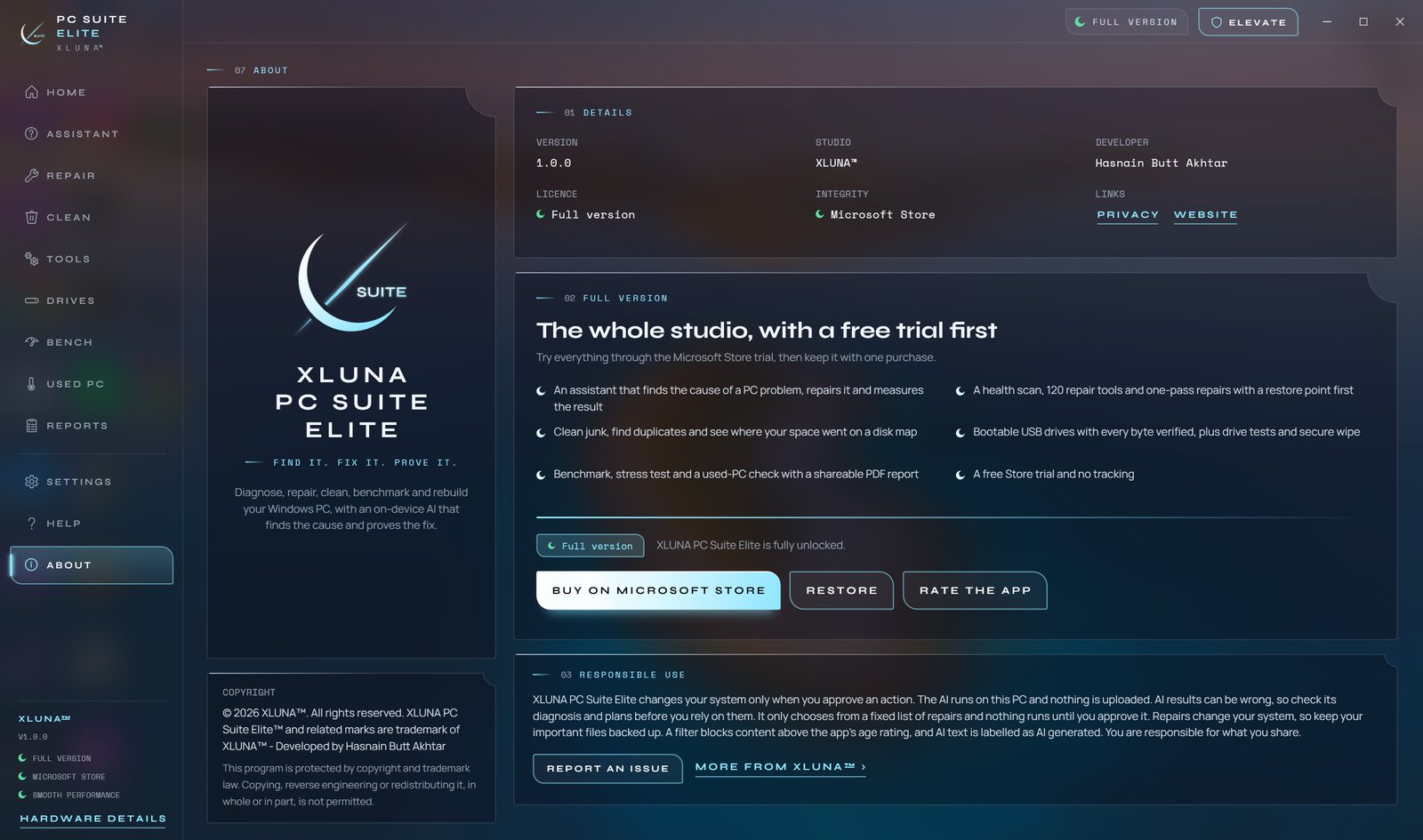
Repair everything the app can in one pass with a restore point first, clean junk in one click, find duplicates by what is inside them and see where your space went on a disk map. 120 tools cover Wi-Fi and network faults, stuck printers, services, startup, Windows Update and drives.
Build bootable USB drives from ISO, IMG, VHD, WIM and ESD with every byte verified, catch fake-capacity flash drives and wipe a drive with a certificate of erasure. Benchmark and stress test your PC, or check a used PC against the seller's claims, with PDF reports.
What you get
- AI assistant finds the cause of a PC problem and proposes repairs you approve
- The health score is measured before and after every repair
- One-pass repair with a restore point first
- One-click clean, duplicate finder and a disk map of every folder
- Bootable USB drives from ISO, IMG, VHD, WIM and ESD with every byte verified
- Benchmark, stress test and a used PC check with PDF reports
What makes XLUNA PC Suite Elite premium
It finds the cause
Describe the problem in your own words and the on-device AI runs read-only checks, then names the likely causes with the evidence.
It proves the fix
Nothing runs until you approve it, and the health score is measured before and after every repair.
One pass, made safe
Repair everything the app can in one go, with a Windows restore point made first.
Drives you can trust
Bootable USB drives with every byte read back and verified, plus fake-capacity checks, cloning and secure wipe.
See it on a real desktop
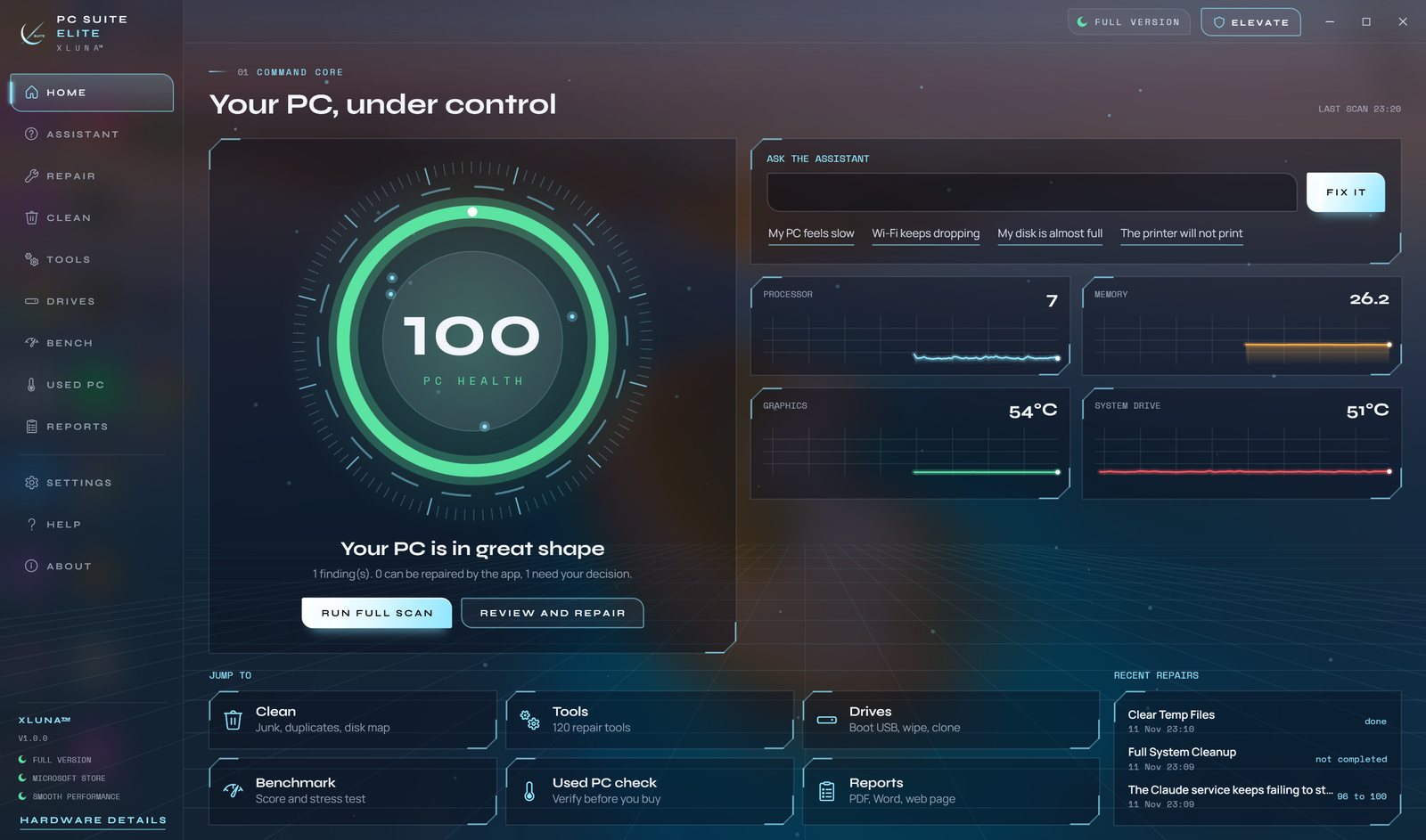
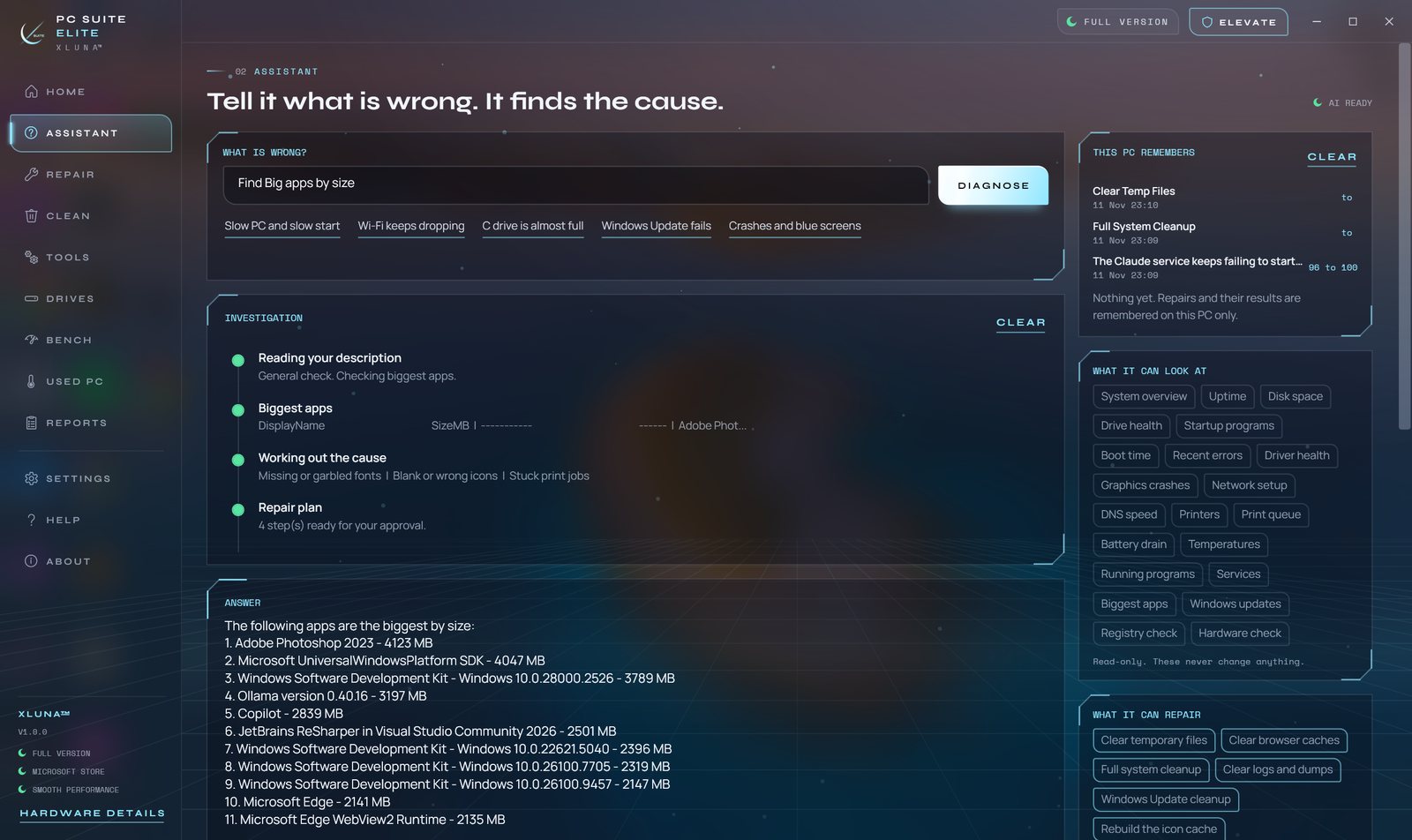
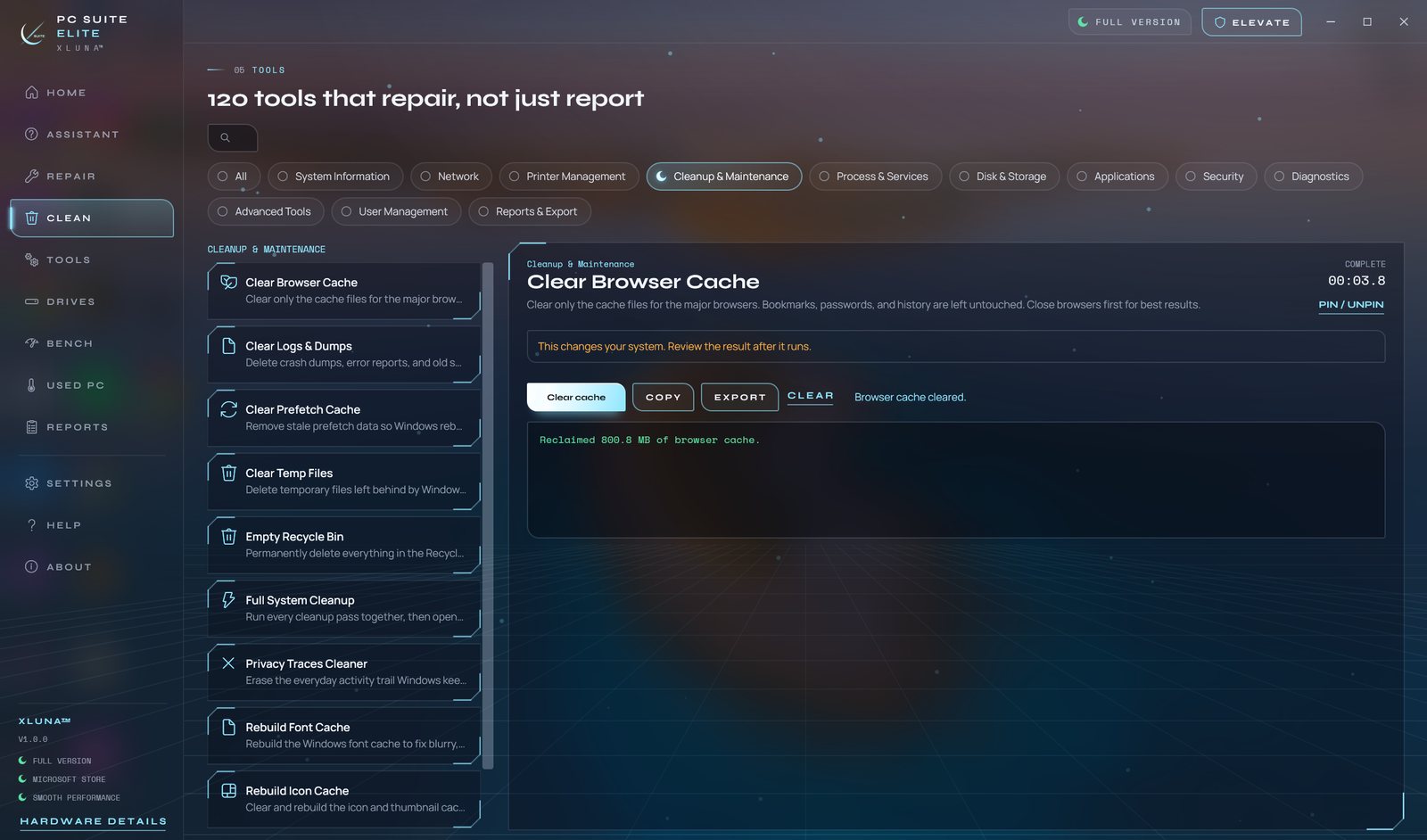
Before you install
- Platforms
- Windows 10 (version 2004 or later) and Windows 11, x64
- Pricing
- Single purchase, lifetime licence · the Store shows your local price
- Trial
- 24 hours with every feature
- Updates
- Included
- Account
- Not required
- Processor
- 4 cores minimum, 6 or more recommended
- Memory
- 8 GB minimum, 16 GB recommended
- Graphics card
- DirectX 11 for the 3D benchmark; the AI runs on the processor
- Storage
- 5 GB free while installing, an SSD recommended
- Internet
- Not needed to scan or repair
- Get it from
- Microsoft Store
- Developer
- XLUNA™
Your data stays on your PC
Read the full XLUNA PC Suite Elite privacy policy, or the studio's privacy-first promise.
XLUNA PC Suite Elite against the usual way
| Compared | XLUNA PC Suite Elite | A typical subscription app |
|---|---|---|
| How you pay | Once, and it is yours | A monthly or yearly fee |
| Account | None | Usually required |
| Your data | Stays on your PC | Often sent to company servers |
| Adverts and tracking | None | Common |
| Works offline | Yes, except the network tests you run | Often not |
| Try before you buy | 24 hours, every feature | Often a limited free tier |
Questions before you buy
Does XLUNA PC Suite Elite upload my PC details?
No. Hardware, drivers, event logs, installed apps and drive health are read on your PC to produce results and are never uploaded.
Does the AI assistant need the internet?
No. The AI model comes with the app and runs on your processor, and every request it could make to the internet is blocked.
Can the AI change my PC on its own?
No. It can only choose repairs from a fixed list built into the app, and nothing runs until you approve it. A restore point is made before repairs.
Do I need an account?
No. There is nothing to sign up for or sign in to. You install it from the Microsoft Store and it works.
Can I check a used PC before I buy it?
Yes. The used PC check compares the seller's claims with the real hardware, tests the battery, drive, keyboard, camera, microphone and screen, and gives a plain-words verdict.
What happens when the 24-hour trial ends?
The app asks you to buy it on the Microsoft Store to keep using it. Nothing is charged automatically, and your settings stay on your PC.
Try XLUNA PC Suite Elite free for 24 hours
Every feature switched on, on your own PC. If it earns its place, one payment keeps it for good, with updates included.